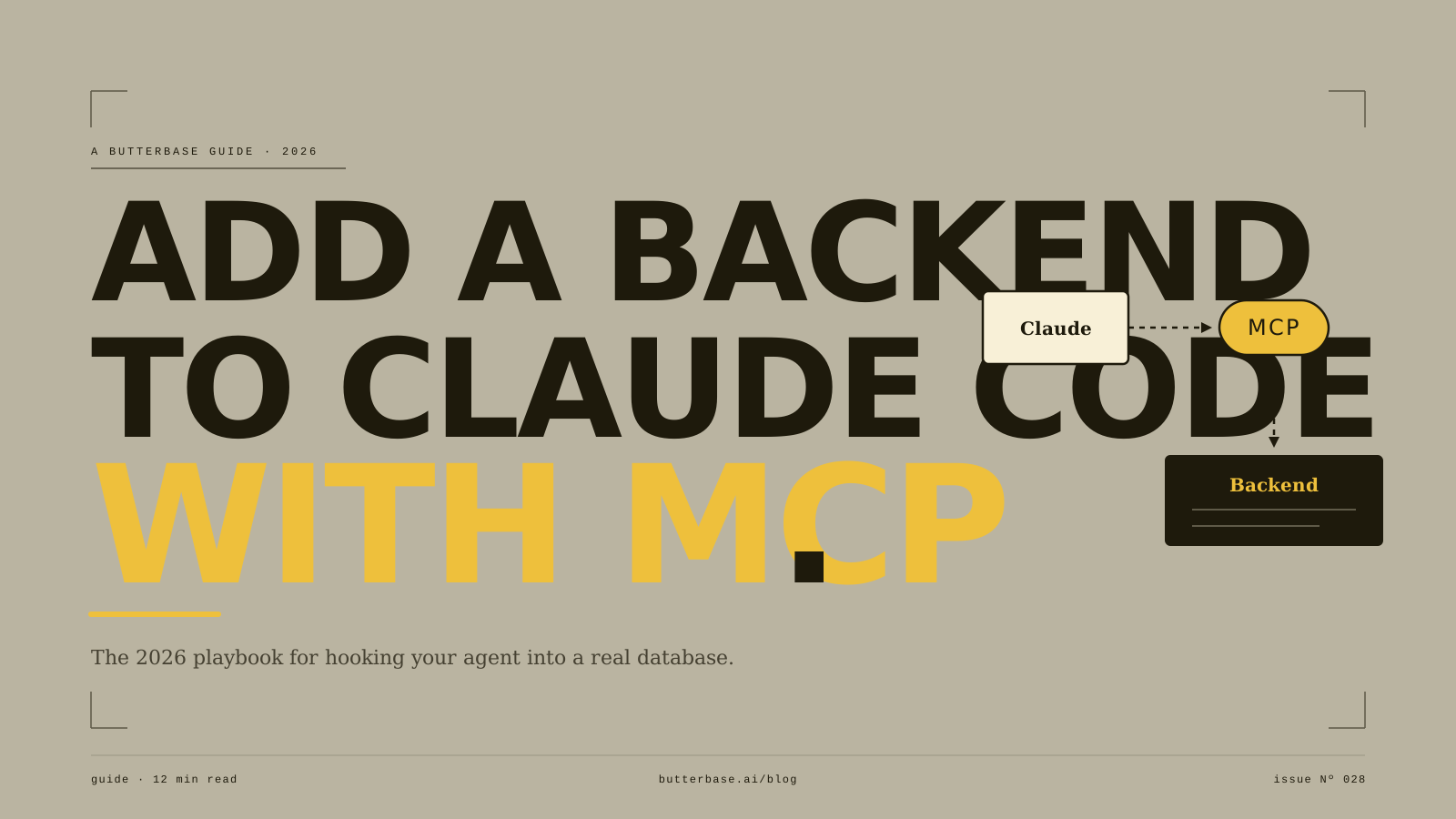
You have been building with Claude Code and it feels like magic right up until your app needs to remember something. A todo list that forgets every refresh. A login form with nowhere to check the password. An upload button that has nowhere to put the file. This is the wall every project hits, and it is not a Claude Code limitation. It is the moment your app needs a backend.
The good news in 2026 is that adding one no longer means switching tools, learning SQL, or clicking through a dashboard to wire services together by hand. With MCP, Claude Code can connect to a backend and operate it directly - creating tables, setting up authentication, and handling storage while you stay in the same conversation you were already in. This guide walks through exactly how to do it.
We will use Butterbase as the backend, because it is built to be operated by an agent over MCP and it is what we make. The concepts - MCP, the connection flow, the prompts - carry over to any MCP-native backend, so even if you choose something else, the shape of the process is the same.
What MCP changes, in one paragraph
MCP, the Model Context Protocol, is an open standard from Anthropic that lets an AI tool take actions inside another system instead of only writing instructions about it. Without MCP, Claude Code can write you a block of SQL and tell you to go run it somewhere. With MCP, Claude Code can run it for you, see the result, and fix it if it failed. That is the difference between an agent that talks about your backend and one that operates it. Everything in this guide depends on that distinction.
What you need before you start
A working Claude Code setup, which you already have if you have been building. A frontend or project in progress, even a rough one, since a backend is only useful once there is something to connect it to. And a Butterbase account, which you can create for free.
That is the whole list. You do not need to install a database, provision a server, or understand Postgres internals. The point of this workflow is that the agent handles that layer.
Step 1: Connect Butterbase to Claude Code over MCP
Claude Code supports MCP servers, and Butterbase ships an official plugin, so connecting is a one-time setup rather than an ongoing chore. Inside Claude Code, add the Butterbase plugin from the marketplace (/plugin marketplace add NetGPT-Inc/butterbase-plugin), sign in, and the MCP server is live.
Once connected, Claude Code can see the Butterbase tools - 43 of them at the time of writing - which cover inspecting your data, creating and changing tables, managing authentication, handling file storage, and running server-side logic. You will not call these tools by hand. Claude Code picks the right ones based on what you ask for in plain English. That is the part that feels different: you describe the outcome, and the agent figures out which backend operations get it there.
To confirm the connection worked, ask Claude Code something simple, like to list what is currently in your backend. If it can read the state and report back, you are wired up.
Step 2: Describe your data, do not design it
Here is the mindset shift that makes this fast. You are not going to sit down and design a database schema. You are going to describe the things your app deals with, in plain language, and let the agent translate that into tables and columns.
Think clearly about the nouns in your app. A task app has users and tasks. A booking app has clients, services, and appointments. A simple store has products, orders, and customers. You do not need to know data types, foreign keys, or normalization. You need to know what your app is about.
Then tell Claude Code, in a sentence or two, something like: this app has users who can each create projects, and each project has many notes that belong to one user. That is enough. The agent will create the tables, set sensible columns, and connect them, then show you what it built so you can adjust in plain English if anything is off.
The trap to avoid here is describing how your app looks instead of how it works. "A dashboard with a sidebar and cards" tells the backend nothing. "Each user sees only their own projects" tells it exactly what to build and, crucially, who is allowed to see what.
Step 3: Add authentication
Authentication is the moment your app stops being a demo and becomes a product, because it is the first time the question who is using this has a real answer.
Ask Claude Code to add login to your app, and name the method you want - email and password, a magic link, or a social provider like Google. Pick one to start. You can add more later, and trying to support every option on day one is a common way to stall.
The part that matters most, and the part beginners most often skip, is locking down the data so each user can only reach their own. Once login works, tell the agent explicitly: make sure each user can only read and write their own rows. This is the access-control layer, and it is what stands between a working app and one that quietly leaks every user's data to every other user. Ask for it directly, and then test it by logging in as two different accounts and confirming they cannot see each other's data.
Step 4: Handle the rest - storage, logic, and jobs
With data and auth in place, most apps need a few more backend pieces, and each is a sentence to the agent rather than a project.
For file uploads - profile pictures, documents, images - ask Claude Code to add storage and wire the upload to the right record, so an uploaded avatar actually attaches to the right user. For logic that should not live in the browser - sending a welcome email, processing a payment, calculating something you do not want a user to tamper with - ask for it as server-side logic. For anything on a schedule - a nightly cleanup, a weekly digest - describe the job and when it should run.
The pattern is always the same. You describe the outcome in plain English, the agent performs the backend operations over MCP, and it confirms what it did. You are reviewing results, not writing infrastructure.
Step 5: Test like a user, not like a builder
The failures that kill freshly shipped apps are predictable, and almost all of them surface only when you stop testing as the person who built the app and start testing as a stranger using it.
Log out and try the app fresh. Sign up as a brand new user. Log in as a second user and confirm you cannot see the first user's data - this is the big one, and it is exactly what Step 3's access rules are supposed to prevent. Refresh in the middle of a session and make sure you are still logged in. Try it on a real phone, not just a resized browser window. And submit the forms with empty or junk input to see what breaks.
If something is wrong, tell Claude Code what you saw. Because it operates the backend over MCP, it can read the actual error and fix the cause, rather than guessing at code it cannot see the results of. Describing the symptom is usually enough.
A realistic picture of what this takes
Connecting the backend is a few minutes, once. Getting data and auth working on a simple app is the better part of an afternoon the first time, faster after that - because the slow part is deciding what you want, not waiting on the tooling. The mistakes that cost people days - leaked data from missing access rules, sessions that expire unexpectedly, free-tier limits hit without warning - are all avoidable, and most of them come down to Step 3 and Step 5: lock the data down, and test as a real user.
The takeaway
The reason this works in 2026 and did not a couple of years ago is MCP. It turns your backend from a separate system you administer into something your coding agent operates on your behalf. You describe what your app needs, and the agent builds and runs the backend to match, in the same conversation where you built the frontend.
That is the whole promise: the backend becomes the part you do not have to think about. If you are building with Claude Code and you want that experience, an MCP-native backend like Butterbase is designed for exactly this flow. Connect it once, describe what you need, and ship the same night.
Frequently asked questions
No. The whole point of an MCP-native backend like Butterbase is that the agent writes and runs the SQL for you. You describe the data and rules in plain English; the agent creates the tables, sets the access policies, and confirms what it did. Knowing a little SQL helps you read what's happening, but it is not required to ship.
Yes. MCP is an open standard, so any MCP-compatible agent - Claude Code, Cursor, Cline, Windsurf - can connect to an MCP-native backend the same way. The setup command differs per tool, but the workflow (connect, describe, ship) is identical.
The free Playground tier covers a single project with 500 MB database, 10K monthly active users, 1 GB storage, and $1 in AI gateway credits - enough to ship and validate a real app. Paid plans start at $19/month when you need more headroom.
A bare Postgres connection gives the agent a SQL prompt and nothing else. MCP-native backends expose authentication, storage, server-side functions, hosting, and row-level access rules as first-class operations the agent can read, change, and verify. The agent runs the whole backend, not just the database.
Operations are scoped to the permissions you grant, every change is logged, and your data sits on standard Postgres - so you can roll back via backups the same way you would on any Postgres host. The agent reads errors directly through MCP, so most fixes happen in the same conversation that caused the issue.