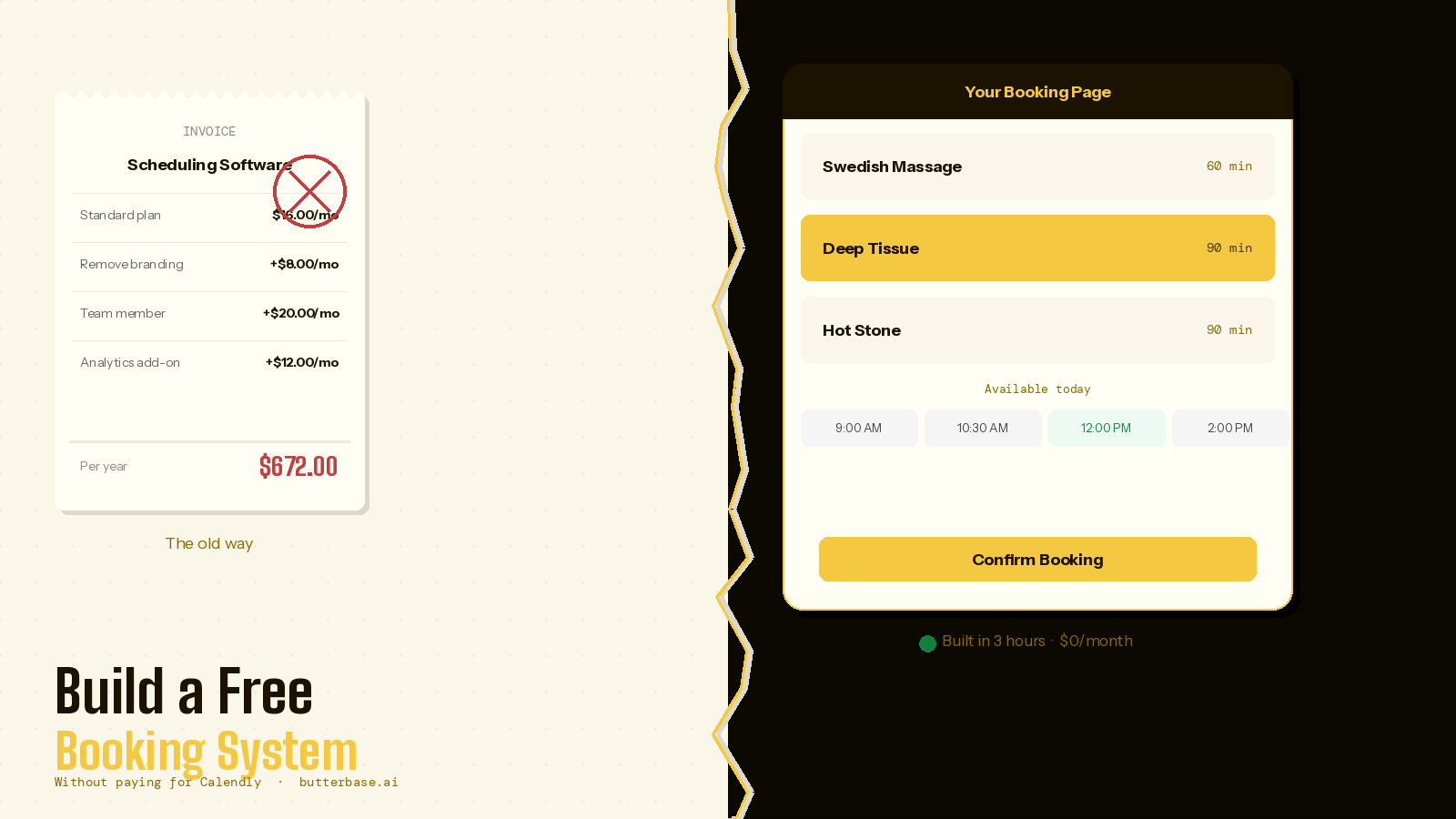
Most service businesses use Calendly, Acuity, or one of a dozen similar tools to handle appointments. They work. They are also rented software - opaque calendars, generic confirmation emails, fixed business rules, and a recurring monthly bill that scales with the number of staff or features you need.
Building your own appointment scheduling system used to be a serious engineering project: months of work, several thousand dollars in developer time, and a maintenance burden afterwards. In 2026, with an AI coding tool and an MCP-connected backend, the same project takes an afternoon - provided you understand the parts of it that are actually hard.
This walkthrough is the engineering plan: the data model, the availability algorithm, the timezone trap that catches everyone, how to prevent double-bookings at the database level, and the exact prompts that build it. It is written for vibe coders who want to ship something real, not a prototype that breaks the first time two people try to book the same slot.
The short answer
An appointment scheduling system is roughly five tables, one availability function, two cron jobs, and a paywall to send the confirmation email. The hard parts are timezones, race conditions, and cancellation flow - none of which are obvious from the outside. Build the data model first; everything else falls out of it.
When building your own actually makes sense
Building your own scheduler is not always the right call. Calendly works for a reason: it removes a category of decisions you do not have to make. Before you spend an afternoon on this, be honest about the situation.
Roll your own when: your booking flow has rules a generic tool cannot express (multi-step intake forms, conditional pricing, service-dependent buffer times, location-dependent availability, dependencies between appointments). You want the booking data inside the same database as the rest of your app. You need to charge a deposit through your own Stripe account, not the platform's. You want to remove the third-party logo and confirmation email branding for free instead of paying for the white-label tier.
Stay on Calendly when: the only feature you need is "pick a time on my calendar." There is no embedded business logic. You do not own a database yet. The $16 per month is not the bottleneck on your business - your time is.
The rest of this article assumes you decided to build it.
The data model - start here, not at the UI
Most failed booking systems are failed because the data model was an afterthought. Get this right and the rest is mechanical. Here is the minimum viable schema:
-- Services you offer
services
  id              uuid pk
  name            text          -- "60-min massage"
  duration_min    int
  buffer_after_min int default 0
  price_cents     int
  active          boolean default true

-- Your working hours, per weekday (0=Sun ... 6=Sat)
availability_rules
  id              uuid pk
  weekday         int
  start_time      time          -- "09:00"
  end_time        time          -- "17:00"
  service_id      uuid null     -- null = applies to all services

-- One-off blocks: holidays, sick days, lunch
time_blocks
  id              uuid pk
  starts_at       timestamptz
  ends_at         timestamptz
  reason          text

-- Bookings - the actual appointments
bookings
  id              uuid pk
  service_id      uuid fk -> services
  starts_at       timestamptz   -- ALWAYS UTC in storage
  ends_at         timestamptz
  client_name     text
  client_email    text
  client_phone    text
  notes           text
  status          text          -- pending|confirmed|cancelled|completed
  cancellation_token text       -- so the client can cancel without an account
  created_at      timestamptz default now()

-- Optional: clients table for repeat customers
clients
  id              uuid pk
  email           text unique
  name            text
  phone           text
  notes           text          -- private notes only you see
Two design choices in this schema are worth pointing out, because they save you days of rework later.
Store everything in UTC, render in the local timezone. Use timestamptz in Postgres. Never store "9 AM on Tuesday" - store the absolute moment in time, and render it in whatever timezone the viewer is in. The day this matters is the day a client books across daylight saving and shows up an hour late.
Separate the rules from the bookings. Availability lives in a small set of recurring rules (availability_rules) plus exceptions (time_blocks). The bookings table only ever contains real, confirmed appointments. Calculate available slots on demand from rules minus blocks minus existing bookings. This makes "I am off all of next week" a single insert, not 35 deleted slots.
The availability algorithm
The single most important function in the whole system answers one question: given a date and a service, what time slots are available to book?
The algorithm is straightforward once the data model is right:
function getAvailableSlots(date, service) {
  // 1. Start from the working hours for that weekday
  const rules = availabilityRules.where({ weekday: date.weekday })

  // 2. Slice each window into candidate slots
  const candidates = []
  for (const rule of rules) {
    let cursor = combine(date, rule.start_time)
    const end = combine(date, rule.end_time)
    while (cursor + service.duration_min <= end) {
      candidates.push({
        start: cursor,
        end: cursor + service.duration_min
      })
      cursor += service.duration_min  // or your slot interval
    }
  }

  // 3. Remove anything overlapping a time_block
  // 4. Remove anything overlapping an existing booking
  //    (including the buffer_after_min)
  // 5. Remove anything in the past
  // 6. Remove anything inside the min-advance window
  //    (e.g. cannot book within 2 hours)

  return candidates.filter(passesAllRules)
}
The two filters that bite people are the buffer and the advance window. A 60-minute service with a 15-minute buffer means a 9:00 booking blocks the calendar until 10:15, not 10:00. A 2-hour minimum-advance rule means at 8:30 AM, the 10:00 slot is no longer bookable. Both are trivial to add and trivial to forget.
Preventing double-bookings - the race condition you will hit
Two clients open the booking page at the same moment. Both see the 3 PM slot as free. Both click Confirm. Without protection, you have just double-booked yourself.
The only correct fix is at the database level. Postgres makes this almost free with an exclusion constraint:
-- Requires the btree_gist extension
create extension if not exists btree_gist;

alter table bookings
add constraint bookings_no_overlap
exclude using gist (
  service_id with =,
  tstzrange(starts_at, ends_at, '[)') with &&
)
where (status in ('pending', 'confirmed'));
With that constraint in place, the second insert fails with a clean error and you can show the user "this slot was just taken - please choose another." No application-level locking needed. No way for a race condition to slip through.
This is the kind of detail the AI tool will not add unless you ask for it. Put it in the prompt explicitly.
Timezones - the mistake everyone makes once
The rules:
- Server stores everything in UTC (
timestamptz). - When the client picks "3 PM Tuesday," the browser converts to UTC before sending it. Use the user's local timezone, captured from
Intl.DateTimeFormat().resolvedOptions().timeZone. - When you render booking times anywhere - confirmation page, email, admin dashboard - convert UTC back to a known timezone. For most service businesses that is your timezone, the business owner's, not the client's.
- Your
availability_rulesare in your local time. Convert to UTC at calculation time, not storage time, because the offset changes across DST.
A library like date-fns-tz or luxon handles this correctly. Native Date alone does not. Mention this in the prompt.
The stack
AI coding tool: Claude Code or Cursor. Either is fine; Claude Code handles the multi-step backend logic with slightly less hand-holding.
Backend: Butterbase, connected via MCP. The MCP server lets the AI provision the schema above, the constraint, the email-sending function, and the API endpoints in the same conversation as the frontend. No dashboard switching.
Email: Built into Butterbase. If you want SMS reminders later, add Twilio.
Payments (optional): Stripe Checkout for deposits. Not needed for v1.
Hosting: Cloudflare Pages, deployed by the AI tool.
Step 1 - Connect Butterbase via MCP
If you have not already done this, the MCP config for Claude Code looks like:
{
  "mcpServers": {
    "butterbase": {
      "command": "npx",
      "args": ["-y", "@butterbase/mcp-server@latest"],
      "env": {
        "BUTTERBASE_API_KEY": "bb_sk_...",
        "BUTTERBASE_API_URL": "https://api.butterbase.ai"
      }
    }
  }
}
File location: ~/.claude/mcp.json for Claude Code, .cursor/mcp.json for Cursor. Restart your tool fully after editing - MCP only reloads on cold start.
Step 2 - The prompt
Vague prompts produce vague software. Use the schema above as the spine of your prompt. A real example for a hypothetical massage practice:
Build an appointment booking system for a single-practitioner
massage therapy practice. Use Butterbase as the backend via MCP.

DATA MODEL
Create these tables exactly:
- services (id, name, duration_min, buffer_after_min, price_cents, active)
- availability_rules (id, weekday, start_time, end_time, service_id nullable)
- time_blocks (id, starts_at timestamptz, ends_at timestamptz, reason)
- bookings (id, service_id fk, starts_at timestamptz, ends_at timestamptz,
  client_name, client_email, client_phone, notes, status, cancellation_token,
  created_at)

Add a Postgres exclusion constraint on bookings so that two
pending or confirmed bookings on the same service cannot have
overlapping time ranges (use btree_gist + tstzrange).

Seed the services table with: 60-min Swedish ($90), 90-min Deep Tissue ($130).
Seed availability_rules with Tue-Fri 09:00-17:00.

PUBLIC BOOKING FLOW
1. Service picker showing seeded services.
2. Calendar view showing the next 28 days. A day is enabled if at least
   one slot is available. Use date-fns-tz for all timezone conversions.
3. Slot picker for the chosen day, computed by:
   working hours for that weekday minus existing bookings
   (including buffer_after_min) minus time_blocks minus past times
   minus a 2-hour minimum advance window.
4. Form: name, email, phone, notes.
5. On submit: insert into bookings with status='confirmed' and a random
   cancellation_token. If the exclusion constraint fires, show "this slot
   was just taken" and return to the slot picker.
6. Confirmation page showing the booking details and a cancellation link
   like /cancel/{token}.
7. Send the client a confirmation email with the same details and link.

ADMIN
Email-and-password login. Dashboard listing upcoming bookings sorted by
starts_at. Click a booking to view, edit notes, or cancel (cancelling
sends an email to the client). A "block time" button that inserts into
time_blocks.

REMINDERS
A scheduled function that runs every hour and sends a reminder email to
any booking starting in the next 24-25 hours that has not received one.

DESIGN
Warm, minimal, generous whitespace, serif headings.
That prompt is long because the system is real. The AI will fill in details - error states, loading states, form validation - but the structural decisions need to come from you, in writing, before the first line of code is generated.
Step 3 - Build, then exercise the unhappy paths
The first build will work for the happy path. It almost always breaks on the unhappy paths, which is where you do your real testing:
- Two browsers, same slot. Open two private windows, both at the same available slot. Submit them within seconds of each other. The second should fail gracefully with a clear message.
- Cross-DST booking. If your test date is near a daylight saving change, book across it and check that the time in the confirmation email matches the time on the calendar.
- Block then check. Add a time_block covering an existing booking. The booking should still exist and still be valid; the block should hide future slots, not delete bookings.
- Cancel and rebook. Cancel a confirmed booking. The slot should reappear in the calendar.
- Boundary slot. A 60-minute service with a 17:00 end-of-day. The 16:00 slot should be available; the 16:30 slot should not.
- Past times. Refresh the page at 9:01 AM and verify the 9:00 slot is gone.
Each failed test is a follow-up prompt: "When two people try to book the same slot, the second submission shows a generic 500 error. It should catch the exclusion constraint violation and return a 409 with a 'slot just taken' message that the booking page handles by reloading the slot list."
Step 4 - The features that make it feel professional
Buffer-aware availability. A 60-minute service ending at 14:00 with a 15-minute buffer means the next slot is 14:15, not 14:00. Already in the schema; verify it is in the algorithm.
Service-specific availability.
-- Add a deep tissue rule that only applies Tue/Thu
insert into availability_rules (weekday, start_time, end_time, service_id)
values
  (2, '09:00', '17:00', '<deep-tissue-id>'),
  (4, '09:00', '17:00', '<deep-tissue-id>');
Then in the prompt: "When computing slots, the rules query should be: rules where service_id is the chosen service OR service_id is null. The service-specific rule overrides, not adds to, the general rule."
Cancellation tokens, not accounts. The cancellation_token field lets clients cancel without registering. The link in the email is /cancel/{token}; visiting it shows the booking and a confirm button. Tokens are single-use and invalidate on cancellation.
Reminder cron. Butterbase supports scheduled functions. The reminder query is one statement:
-- runs hourly
update bookings
set reminder_sent_at = now()
where status = 'confirmed'
  and starts_at between now() + interval '23 hours'
                   and now() + interval '25 hours'
  and reminder_sent_at is null
returning *;
-- then send email for each returned row
The returning * means you do the update and the send in one round trip, which is also race-safe - a second cron run will not double-send because the row already has reminder_sent_at.
Step 5 - Deploy
"Deploy this to Cloudflare Pages via Butterbase. Use the existing project." The AI handles it.
Before sharing the URL, check three things on the live site that are easy to miss in development:
- The cancellation link in a real email opens correctly.
- The exclusion constraint actually exists in production. Run
\d bookingsin the Butterbase SQL console and look for it. - The reminder cron is enabled and shows recent runs in the Butterbase function logs.
Recurring bookings - the schema extension nobody mentions
The moment a regular client says "can you put me in every Tuesday at 3?" the simple bookings table stops being enough. The naive answer - insert 52 rows - falls apart the first time the client wants to skip a week, change the time, or stop the series.
The clean pattern is a separate booking_series table that owns the recurrence rule, and a generator that materialises the next N concrete bookings into the existing bookings table:
booking_series
  id              uuid pk
  client_id       uuid fk -> clients
  service_id      uuid fk -> services
  rrule           text          -- iCal RRULE, e.g. "FREQ=WEEKLY;BYDAY=TU"
  local_time      time          -- "15:00" in business timezone
  starts_on       date
  ends_on         date null     -- null = open-ended
  active          boolean default true

-- bookings gains one column
alter table bookings
  add column series_id uuid references booking_series(id);
A weekly cron walks each active series, expands the next eight weeks of the RRULE, and inserts any missing concrete bookings - skipping any whose slot now collides with a one-off booking or a time_block. The exclusion constraint from earlier protects the calendar; the materialisation function decides what to do when a recurring slot is no longer available (skip silently and notify the owner is the usual answer).
Cancelling one occurrence sets status='cancelled' on a single bookings row. Cancelling the series flips booking_series.active to false and a separate cron prunes any future concrete bookings tied to it. Two operations, both reversible, neither requiring you to delete history.
Growing into multi-staff - the one extension worth planning for
Single-provider is the right v1, but the schema costs almost nothing to make multi-staff-ready from day one, and retrofitting later is genuinely painful. The change is one table and one column:
staff
  id              uuid pk
  name            text
  email           text
  active          boolean default true

-- bookings gains a staff_id
alter table bookings add column staff_id uuid references staff(id);

-- availability_rules and time_blocks become per-staff
alter table availability_rules add column staff_id uuid references staff(id);
alter table time_blocks       add column staff_id uuid references staff(id);

-- The exclusion constraint becomes per-staff
alter table bookings drop constraint bookings_no_overlap;
alter table bookings
add constraint bookings_no_overlap
exclude using gist (
  staff_id with =,
  tstzrange(starts_at, ends_at, '[)') with &&
)
where (status in ('pending', 'confirmed'));
The availability function now takes staff_id as an additional input. The booking page either lets the client pick a provider or picks one for them - round-robin (next-available, fairest), least-loaded (load-balancing), or sticky (always the same staff member for repeat clients). All three are one-liners on top of the per-staff availability.
For v1, seed exactly one row in staff for the owner and pretend the table does not exist on the booking page. The day a second staff member joins, you flip a feature flag instead of running a migration on production data.
The edge-case checklist
Before sending the link to clients, walk this checklist. None of these are obvious; all of them happen.
- Cancelling a booking inside the buffer window should free the buffer slot, not just the booking slot.
- An admin who manually edits a booking's start time should re-run the conflict check.
- Time blocks that partially overlap a working day should clip availability, not cancel the whole day.
- Rescheduling = cancel + new booking under the same client. Make this a single button, not two.
- A client who books on Tuesday and tries to book again the same week should not get a "slot taken" error for their own booking.
- The admin dashboard should show times in the business timezone, not the admin's browser timezone, otherwise a holiday in another country shows yesterday's bookings.
- The cancellation page should be safe to visit twice (idempotent).
- The reminder cron should skip cancelled bookings.
When the build is the wrong answer
Even with all the above, there are situations where Calendly is still the right tool:
- Multi-staff with shared calendars. The data model above assumes one provider. Multi-staff is a meaningful complexity jump - separate calendars per staff member, round-robin assignment, staff-specific services. Build it once you have validated the single-provider version.
- Group classes with capacity. A different shape: one event, many bookings, capacity counter. Doable, but a separate schema.
- Two-way Google Calendar sync. Real bidirectional sync is non-trivial. If the client also keeps a personal Google Calendar and bookings need to land there, Calendly's integration is genuinely valuable.
For a single-provider service business with custom rules, owning the system pays back the afternoon many times over. For anything more complex, build the single-provider version first and grow into the rest.
Frequently asked questions
No, but you should be able to read it. The schema is the contract between you and the AI tool - it tells you what is being built and lets you spot when the AI takes a shortcut. SQL is a much smaller language than people think; an hour with the Postgres docs is enough to read everything in this article.
The exclusion constraint that prevents double-bookings is a Postgres feature. You can implement equivalent logic in application code on top of any database, but it is easier to get wrong and harder to verify. For a system where two records overlapping is a real-world failure, having the database itself refuse to allow it is worth the choice.
Read the error in the Butterbase function logs, paste it into your AI tool, describe the user action that triggered it, and let the AI propose a fix. The same workflow you used to build the system is the workflow you use to maintain it.
Yes - the cancellation link can be a 'manage booking' page that offers cancel or reschedule. Reschedule is just cancel + create-new under the hood, sharing the same client record. Build this after the basic flow is working.
It is standard Postgres. pg_dump produces a portable SQL file that imports into any other Postgres host (Supabase, Neon, RDS, your own server). The same is not true of proprietary systems like Firebase or Calendly's export, both of which produce formats only useful inside their own products.
Storage is UTC, so the data is timezone-independent. The booking page can detect the client's timezone via Intl.DateTimeFormat().resolvedOptions().timeZone and display slots in their local time, while the admin dashboard renders the same data in the business owner's timezone. Both views are correct for the same underlying booking.
Yes. Without it, two simultaneous bookings can both pass an application-level 'is this slot free' check before either one inserts, and both succeed. The constraint pushes the check inside the same transaction as the insert, which is the only place it is actually safe.
The bottom line
A booking system is one of the most rewarding first vibe-coded products to ship, because the underlying problem is small enough to fully understand and the result is something you actually use. The hard parts are not glamorous - race conditions, timezones, cron jobs, cancellation tokens - but they are well-understood, and an AI tool that knows about them can write the code in minutes.
The lesson generalises: the parts of a real product that are easy to overlook are the parts that determine whether it works. Get the data model right, name the edge cases out loud in the prompt, and the rest is mechanical.