If you have ever used an AI tool like Lovable, Cursor, or Bolt to build an app, you have probably noticed something: the thing you build looks great, but it does not actually do anything yet. The buttons are there. The pages are there. But nothing saves. Nobody can log in. Close the tab and everything is gone.
That is because you built a frontend - and you need a backend to make it real. This article explains exactly what those two words mean, why both matter, and how they work together. No jargon, no assumptions, no computer science degree required.
The fundamental difference
Think of any app you use - Instagram, Airbnb, Uber, your banking app. Every one of them has two halves:
The frontend is everything you can see and touch. The buttons, the images, the layout, the colours, the animations. When you scroll through your Instagram feed, you are interacting with the frontend. It runs inside your phone or your web browser - on your device.
The backend is everything that happens behind the scenes. When Instagram loads your feed, it is asking a computer somewhere on the internet (called a server) to look up the latest posts from people you follow. That server checks a database, finds the right posts, and sends them back to your phone. You never see any of this happen - but without it, your feed would be empty.
Here is the simplest way to remember it:
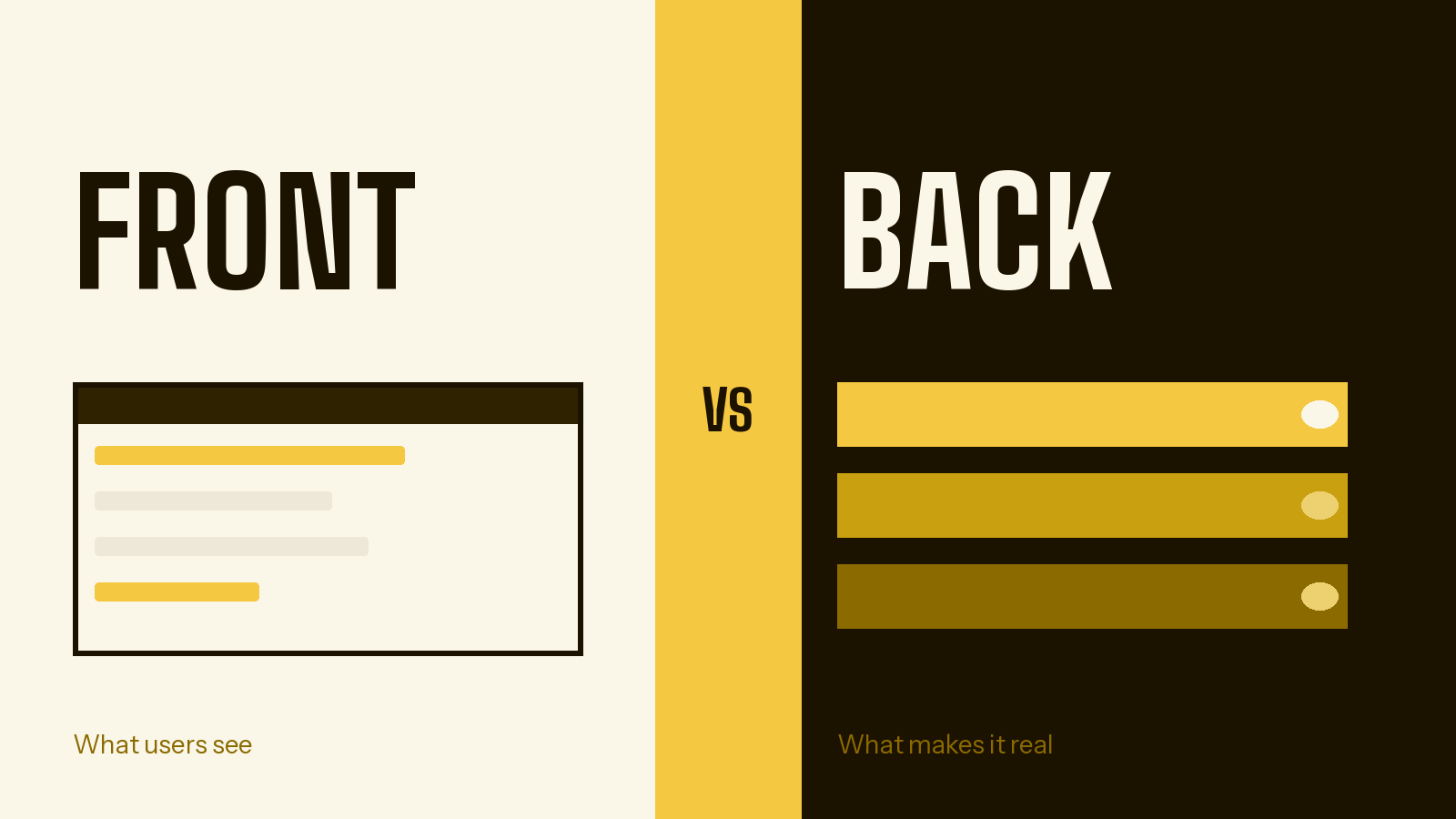
Frontend = what you see. It runs on your device.
Backend = what makes it work. It runs on a server somewhere on the internet.
Neither one works without the other. A frontend without a backend is a brochure - it looks nice, but it cannot do anything. A backend without a frontend is a engine with no car around it - powerful, but nobody can use it.
What the frontend handles
How things look. Every pixel you see on screen - the font, the spacing, the colours, whether a button is rounded or square - is decided by frontend code. When a designer says "make this look like Apple's website," they are talking about frontend work.
How things respond to you. When you tap a button and it changes colour, when you pull down to refresh, when a menu slides open from the side - that is all the frontend reacting to your actions. It makes the app feel alive and responsive.
What is on screen right now. The frontend keeps track of what you are currently doing. Which tab is selected? What have you typed into that search box? How many items are in your shopping cart? This temporary memory is called "state" - and it lives in the frontend, but only while you are using the app.
Moving between pages. When you click "Settings" or "My Profile" and the screen changes, that is the frontend handling navigation. It decides which page to show you based on what you clicked.
Showing you data. When the backend sends information (like a list of products or your account details), the frontend's job is to take that raw data and present it in a way that looks good and makes sense. The backend might send "price: 2999" - the frontend turns that into "£29.99" with the right formatting.
What the backend handles
Remembering things permanently. This is the big one. The backend has a database - think of it as a giant, organised spreadsheet that never forgets. Every user account, every post, every order, every message - it all lives in the database. When you close the app and come back tomorrow, your data is still there because the backend saved it.
Knowing who you are. When you create an account or log in, the backend is the one doing the work. It securely stores your password (in an encrypted form that even the app's creators cannot read). When you type your email and password and hit "Log in," the backend checks whether they match. This is called authentication - and it must happen on the backend, because anything that happens only in the frontend can be faked.
Enforcing the rules. Imagine you are building a project management tool. Some users are admins who can delete projects. Other users can only view them. Who decides whether a particular user is allowed to delete a project? The backend. These rules - who can do what, under what conditions - are called business logic. If you put these rules only in the frontend, anyone with basic technical knowledge could bypass them.
Storing files. When a user uploads a profile photo, a document, or a video, that file needs to live somewhere permanent and accessible. The backend handles file storage - saving the file, generating a link to access it, and making sure only authorised users can see it.
Sending messages. Confirmation emails, password reset links, push notifications, SMS verification codes - these all originate from the backend. Your frontend can trigger them ("the user just signed up, send them a welcome email"), but the actual sending happens server-side.
Keeping everyone in sync. When two people are looking at the same data - a shared document, a live chat, an inventory count - and one person makes a change, the other person needs to see it immediately. This real-time synchronisation is handled by the backend, which pushes updates to every connected user.
A concrete example: a booking app
Imagine you are building a booking app for a personal trainer. Here is exactly what each side handles:
The frontend builds:
- A public page showing the trainer's services, prices, and available time slots
- A calendar view where clients can pick a date and time
- A form to enter their name, email, and any notes
- A confirmation screen that says "You're booked!"
- An admin dashboard where the trainer can see all upcoming bookings
The backend handles:
- Storing every booking in a database so it is not lost when someone closes the browser
- Checking whether a time slot is actually still available (what if two people try to book the same slot at the same time?)
- Creating and managing the trainer's account securely
- Sending a confirmation email to the client after they book
- Sending a notification to the trainer when a new booking comes in
- Making the calendar dynamically accurate - removing time slots that are already taken
Without the backend, the booking form looks perfect - but when a client fills it out and clicks "Book," nothing actually happens. The trainer never gets notified. The slot is not reserved. The data vanishes. It is a demo, not a product.
Another example: an online store
Say you are building a small online shop for handmade candles.
The frontend shows: beautiful product photos, descriptions, prices, an "Add to Cart" button, a checkout form, and an order confirmation page.
The backend handles: keeping track of inventory (so you do not sell a candle that is already sold out), securely processing payments through a payment provider like Stripe, creating an order record in the database, sending an order confirmation email to the customer, and updating the inventory count so the next visitor sees accurate stock levels.
Notice the pattern: the frontend is the experience, the backend is the reality. The frontend makes promises ("This item is in stock," "Your order is confirmed"). The backend keeps those promises.
Why vibe coders get stuck at the backend
If you have been using AI tools to build apps, you have probably experienced this gap firsthand. Here is why it happens:
The frontend is visible, the backend is invisible. When you tell an AI tool "build me a landing page," you immediately see the result - a beautiful page appears in your preview. When someone says "now add a backend," there is nothing to see. The database is not visual. Authentication is not visual. APIs are not visual. It is harder to know if things are working because there is nothing to look at.
AI tools have historically been better at frontend code. The languages used for frontends (HTML, CSS, JavaScript) are the most common languages on the internet, which means AI models have seen more examples of them during training. Backend code varies more - there are dozens of languages, frameworks, and patterns - so AI tools have had less consistent training data to work with.
Backend errors are sneakier. A frontend bug is usually obvious - something looks wrong, a button does not work, text is in the wrong place. A backend bug might mean your data is silently not saving, or a user can access data they should not be able to see, or your login system works sometimes but not always. These bugs are harder to spot because you cannot see them.
Security is invisible but critical. If your frontend has a bug, something might look ugly. If your backend has a security flaw, someone's personal data could be exposed. The stakes are higher, and the consequences are not always immediately obvious.
The good news: in 2026, backend platforms exist that connect directly to AI coding tools. This means your AI assistant can set up the entire backend for you - database, authentication, APIs, storage - just from your natural language descriptions. You do not need to understand how the backend works internally. You just need to know that it needs to exist.
How the frontend and backend talk to each other
The frontend and backend are separate systems, often running on completely different computers. So how do they communicate? Through something called an API.
API stands for Application Programming Interface, but forget that name - it is not helpful. Think of it this way:
Imagine your frontend is a customer at a restaurant. The backend is the kitchen. The API is the menu and the waiter combined. The menu tells the customer what they can order (you can request a list of products, you can submit a booking, you can check if a username is available). The waiter carries the order to the kitchen and brings the food back.
When your frontend needs data, it sends a request to the API: "Give me all bookings for this week." The API passes that request to the backend. The backend looks up the data in the database, and the API sends it back to the frontend. The frontend then displays it on screen.
Every time you use an app and see data loading (that spinning circle), you are watching the frontend wait for the API to return data from the backend.
The two most common styles of API are REST (where different types of data live at different URLs, like /api/users and /api/bookings) and GraphQL (where there is one URL and the frontend specifies exactly what data it needs). As a vibe coder, you rarely need to choose between them - your AI tool or backend platform will handle this for you.
What happens when you skip the backend
This is what happens to most first-time vibe coders. They build something that looks incredible - and then discover it does not actually work as a product. Specifically:
Nothing is saved. Every piece of data - every form entry, every uploaded photo, every setting change - exists only in the browser's temporary memory. Close the tab, and it is all gone. Open the app on a different device, and there is nothing there. It is like writing in sand.
Nobody can log in. Without backend authentication, there are no real user accounts. You might fake it with a simple password field, but that is not security - it is theatre. Anyone with basic browser knowledge can bypass it.
Users cannot share data. If two people need to see the same information - a shared project, a team dashboard, a chat conversation - there is no way to synchronise them without a backend. Each person sees only their own browser's temporary data.
Payments are impossible. Processing credit cards or any form of payment requires server-side code. Payment providers like Stripe explicitly require backend integration for security reasons. You cannot process a real payment from the frontend alone.
It is just a clickable mockup. A frontend-only app is functionally a prototype. It demonstrates what the product could be, but it is not the product itself. If you are building for real users - even just yourself - you need the backend.
Getting a backend in 2026 is easier than ever
Here is the encouraging part: you do not need to learn backend development. In 2026, backend platforms connect directly to AI coding tools through a protocol called MCP (Model Context Protocol). Here is what that means in practice:
Step 1: You connect a backend platform (like Butterbase) to your AI coding tool. This is a one-time setup that takes a couple of minutes.
Step 2: You describe your app to your AI tool as you normally would. "Build me a booking app for a personal trainer with client login, calendar view, and email confirmations."
Step 3: Because the backend is connected, your AI tool automatically creates the database tables, sets up user authentication, generates the API, configures file storage, and writes frontend code that connects to all of it. You do not need to ask for this separately - it just happens.
The result is a complete, working product - not just a pretty frontend. Users can log in, data is saved permanently, everything works as you would expect from a real app. And you described the whole thing in plain English.
The takeaway
The frontend is everything your users see and interact with - the design, the buttons, the experience. It runs on their device and makes your app look and feel great.
The backend is everything that makes the app actually work - the database, the user accounts, the security, the logic. It runs on a server and gives your app a permanent memory.
You need both. A frontend without a backend is a beautiful shell. A backend without a frontend is invisible infrastructure nobody can use. Together, they make a real product.
And in 2026, the tools exist to build both - even if you have never written a line of code in your life.