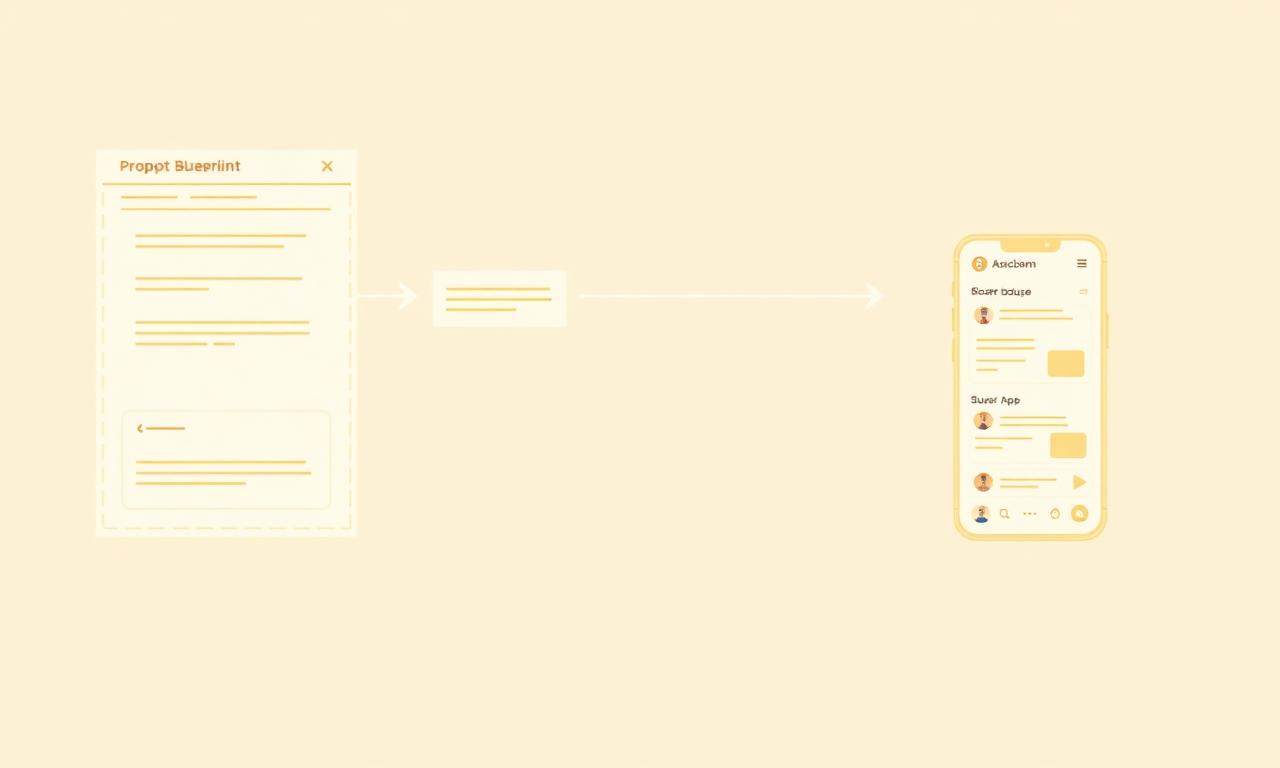
The most common pattern in vibe coding is this: you open Claude Code, Cursor, or Lovable, you type a prompt, and thirty seconds later you are looking at something that appears to be exactly what you wanted.
Then you click on something, and it does not work. The button submits but nothing happens. The data you entered is gone the moment you refresh. Two users can see each other's records. The admin view shows everything or nothing depending on something you cannot identify.
The interface was correct. The app was not.
This is not a tool problem. The tools are genuinely good. It is a prompt problem - specifically, the gap between describing how an app should look and describing how it should actually work. These are two different things, and almost every beginner prompt describes the first while assuming the second will follow automatically.
It does not.
This guide is about the difference. Not prompt engineering in the abstract sense, but the specific structural decisions that separate a prompt that produces a working app from one that produces a convincing demo.
The short answer
A prompt that produces a working app always answers three questions that most prompts never ask: what data needs to be stored and who owns it, who is logged in and what are they allowed to see, and what should happen when something goes wrong. Everything else - the visual design, the user flows, the feature list - is secondary to these three things.
Why most prompts produce demos instead of apps
An AI coding tool builds exactly what you describe. The problem is that most descriptions are about what the app looks like, not what it does.
"Build me a fitness app where users can log their workouts" is a description of an interface. It tells the AI to create screens for logging workouts. It does not tell the AI where workouts are stored, whose workouts appear on which screen, whether someone who is not logged in can see workouts, what happens when you log a workout while offline, or what the app should do when two entries conflict.
The AI makes assumptions about all of these things, because it has to. And those assumptions are usually reasonable - but they are generic reasonable, not your-specific-product reasonable. They are the assumptions that make the app look like it works during a solo demo, under ideal conditions, with one user and no edge cases.
Real products do not have ideal conditions. Real products have multiple users, intermittent connections, unexpected inputs, and behaviour that needs to be explicitly defined, not assumed.
The fix is not writing longer prompts. It is writing prompts that answer the three questions above before describing a single screen.
The first question: what data needs to be stored, and who owns it?
Every app that does something real stores data. The question is not whether data exists - it is whether you have told the AI what that data is, how it is structured, and which user it belongs to.
When you leave this undefined, the AI typically builds one of two things: a frontend that stores data locally in the browser (which disappears on refresh), or a shared database with no ownership - a single pool of records that every user can see.
Neither of these is what you want. The first is a demo. The second is a privacy problem.
Getting this right means being explicit about three things before describing any feature.
What are the objects in your app? Every real app has three to six core objects - the things it manages. A booking system has users, services, time slots, and bookings. A project tracker has users, projects, tasks, and comments. A marketplace has users, listings, orders, and reviews. Name yours explicitly.
What information does each object hold? Not a full database schema - just the key fields. A booking has a date, a time, a service, a status (confirmed, cancelled, completed), and a user. An order has a list of items, a total, a shipping address, a status, and a customer. The AI will figure out the right column types. What it needs from you is the human-level description of what each thing contains.
Which objects belong to a user? This is the ownership question, and it is the one most prompts skip entirely. Every object in your app either belongs to a specific user (only they can see or edit it) or is shared (anyone can see it). Your bookings belong to the user who made them. Your product listings might be visible to everyone but editable only by the seller who created them. Your admin logs are visible only to admins.
Being explicit about ownership in the prompt means the AI builds row-level security correctly from the start. Leaving it implicit means you will discover the problem when User A accidentally sees User B's data - not in testing, but with real users.
Here is the difference in practice.
Weak prompt:
Build a task management app where users can create, edit, and complete tasks.
Strong prompt:
Build a task management app. The core objects are users and tasks. Each task belongs to exactly one user - users can only see and edit their own tasks, never tasks belonging to other users. A task has a title, an optional description, a due date (optional), a priority (low / medium / high, default medium), and a status (active / completed). When a user completes a task, it moves to a completed list but is not deleted. Users can permanently delete tasks from the completed list.
Both prompts will produce a task manager that looks similar. Only the second one will have data that is actually isolated between users.
The second question: who is logged in, and what are they allowed to see?
Authentication is the invisible foundation that almost every early prompt forgets. You cannot define ownership without it, and you cannot define ownership correctly after the fact.
The instinct to skip authentication is understandable. You want to see the thing. You want to build the feature, not the login screen. The login screen feels like boilerplate.
But authentication is not boilerplate. It is the decision that determines the shape of your entire data model. Every table in your database needs to know which user it belongs to. Every query needs to filter by the current user. Every API route needs to verify the caller's identity before returning data.
Adding authentication to an app that was built without it means rebuilding the data model, rewriting every query, and auditing every endpoint. It is the most painful refactor in vibe coding.
The right approach is to define identity in the first prompt, before any feature is described. Three questions to answer.
Who are the users? Most apps have two to three types: guests (not logged in), regular users, and admins. Name them. If your app has sellers and buyers, or coaches and clients, or managers and employees, name those distinctions explicitly. Each distinct type of user sees different things and can take different actions.
What can each user type see? Be specific for each screen. The admin can see all bookings from all users. A regular user can only see their own bookings. A guest can see available time slots but cannot book without creating an account. Every page has an access rule. State it.
What happens when someone accesses something they should not? When a regular user tries to visit an admin URL directly, what do they see? A redirect to their dashboard? A 404? An error message? When a guest tries to take an action that requires an account, what happens? Define the boundary, not just the happy path.
Here is the difference in practice.
Weak prompt:
Build an online course platform where instructors can create courses and students can enroll.
Strong prompt:
Build an online course platform. There are three user types: guests (not logged in), students, and instructors. Guests can browse the course catalog and view individual course pages but cannot see the actual lesson content - if they try, they see a prompt to sign up. Students can enroll in courses, access lesson content for courses they have enrolled in, and track their own progress. They cannot see content from courses they have not enrolled in or other students' enrollments. Instructors can create, edit, and delete their own courses and lessons, and see how many students are enrolled. Instructors cannot edit other instructors' courses. There is an admin flag - admins can see all courses and enrollment data. When someone accesses a URL they are not allowed to see, redirect them appropriately.
Both prompts will produce a course platform. Only the second one will have a coherent permission system on day one.
The third question: what happens when something goes wrong?
Every real product has edge cases - situations that do not appear in solo testing because you are only simulating the happy path. Two people booking the same slot simultaneously. A payment that processes but the confirmation email fails to send. A file upload that stalls at 95%. A user who submits a form with all fields empty.
AI tools build happy path implementations by default. They build what happens when everything goes right. You have to explicitly tell them what happens when things go wrong.
The most important edge cases to define upfront, for any product:
Concurrent actions. What happens when two users try to do the same thing at the same time? Book the same slot? Purchase the last item in stock? Edit the same record? Define the expected behaviour. The first one wins. The second gets an error message. Both get options for alternatives.
Partial failures. What happens when one step of a multi-step process fails? If the booking saves but the confirmation email fails to send, what does the user see? Is the booking still valid? Is it retried? Define the recovery path.
Empty and error states. What does a new user see before they have any data? What does a search page look like when there are no results? What does the app show when an API call fails? These states get forgotten until a real user hits them.
Invalid inputs. What happens when someone submits a form with required fields empty? With an email address in an invalid format? With a date in the past when a future date is required? Define the validation and the error messages.
Here is the difference in practice for a booking app.
Weak prompt:
Build a booking system where clients can book appointments and see a confirmation.
Strong prompt:
Build a booking system. Handle these edge cases: Double-booking prevention - when a client submits, check whether the slot has been taken in the meantime; if it has, show "This slot was just booked by someone else. Please choose another time" and return them to the calendar. Cancellation timing - clients can cancel up to 24 hours before; closer to the appointment, show "Bookings cannot be cancelled less than 24 hours before. Please contact us directly." No-availability state - if no slots in the next 30 days, offer a "Join the waitlist" capture. Confirmation email failure - the booking should still save; show "Your booking is confirmed. We had trouble sending the confirmation email - please note your reference [number]." Empty form - show inline validation next to each missing required field.
The second prompt will produce a booking system that handles real usage. The first will produce a booking system that handles demos.
Putting it together: the full prompt structure
A prompt that reliably produces a working app follows a consistent structure. Not a rigid template - a structure. The order matters because each section builds on the one before.
- State what it is and who it is for. One or two sentences. Not the features - the purpose and the users.
- Define the data model. Name the core objects, their key fields, and who owns what.
- Define user types and permissions. Every distinct user type, every screen, every access rule.
- Define the key edge cases and error states. Concurrent actions, partial failures, empty states, validation.
- Define the specific features and screens. Only after the above.
- Name the backend and any specific integrations. Use Butterbase via MCP for backend, Stripe for payments, Resend for email - wire them up explicitly.
A worked example, end to end:
This is a client portal for independent bookkeepers. Bookkeepers log in to manage their clients and share documents. Clients log in to see their documents and pay invoices.
Core objects: users (bookkeepers and clients), clients (the businesses a bookkeeper manages), documents (files shared with clients), and invoices (with line items, total, status, due date). Documents and invoices belong to a specific client. Clients belong to the bookkeeper who created them. A bookkeeper can only see their own clients, documents, and invoices.
Bookkeeper view: list of all their clients, can add/edit/archive, upload documents to any client, create and send invoices, see payment status. Client view: only their own documents and invoices, can download and pay outstanding invoices, cannot create anything. When a client tries to access the bookkeeper dashboard URL, redirect to their own portal. Unauthenticated access redirects to login.
If a bookkeeper uploads a file larger than 50MB, show an error before upload begins. If invoice payment fails, keep the invoice as "unpaid" and show a try-again message. If a client has no documents yet, show a friendly empty state.
Screens: login, bookkeeper dashboard with client search, client profile with documents and invoices tabs, document upload modal, invoice creation form, invoice detail with Stripe payment, client-facing portal.
Use Butterbase as the backend via MCP. Use Stripe for invoice payments. Send transactional emails via Resend.
This structure can produce the full prompt in fifteen to twenty minutes. That fifteen minutes saves hours of debugging, refactoring, and explaining broken behaviour to the AI after the fact.
The prompts that fix specific problems
Even with a solid initial prompt, specific problems come up during building. Here is how to describe them precisely so the AI fixes the right thing.
Data not persisting: "When I submit the form and refresh the page, the data is gone. The form should save to the database via Butterbase. Please connect the form submission to the backend so entries are stored and retrievable after refresh."
Users seeing each other's data: "I can see bookings that belong to other users when I'm logged in. Each user should only see their own bookings. Please add a filter to every query on the bookings table so it only returns records where user_id matches the currently logged-in user's ID."
No loading or error states: "When the page is loading data, nothing happens. And if the API call fails, the page just shows nothing. Please add a loading spinner while data is fetching, and an error message ('Something went wrong. Please refresh.') if the fetch fails."
Missing validation: "The form submits even when required fields are empty. Please add validation so name, email, and service are all required. Show a red error message below each empty required field on submit. Do not submit until all required fields are filled."
The wrong user can edit records: "I'm able to edit listings that belong to other sellers. The edit button should only appear on listings owned by the current user, and the edit API endpoint should return a 403 error if anyone other than the owner tries to update a listing."
The pattern in every one of these is: describe what is happening, describe what should be happening instead, and if you know where the problem is, say so. The AI cannot fix what it does not know is wrong.
What this looks like in a real session
A real session building a working app looks like this. You spend fifteen minutes writing the prompt - longer than you want to, but shorter than the debugging session you are avoiding. You paste it in. The AI builds a first version. You test it, not by clicking around, but by deliberately trying to break it: log in as two different users and check whether their data is isolated, submit forms with missing fields, try to access a URL you are not supposed to see.
You will find something that does not work. You describe it precisely using the patterns above. The AI fixes it. You test again. This cycle - build, break, describe precisely, fix - is the real process of vibe coding. The prompt you start with determines how many cycles you need. A weak initial prompt means fixing structural problems that should have been defined at the start. A strong initial prompt means fixing the details of an app that is already fundamentally correct.
The goal is not to write the perfect prompt. The goal is to answer the three questions - data and ownership, identity and permissions, failure and edge cases - before you describe any feature. Everything after that is a detail the AI is very good at handling.
Frequently asked questions
Long enough to answer the three structural questions clearly. For a simple app, that might be three or four paragraphs. For a complex one, it might be twice that. Do not pad prompts for the sake of length - every sentence should resolve an ambiguity that would otherwise require the AI to guess. If you cannot explain why a sentence is there, remove it.
Yes, but the earlier the better. If you have a frontend with no backend connected, adding structure is fast - the AI redoes the backend setup cleanly. If you have a backend but no ownership model, it requires a migration. If the ownership model is wrong and data is already mixed, untangling it is the hardest fix. The cost of retrofitting structure goes up with every feature you add on top of a weak foundation.
This happens, especially with long prompts. The most important parts - data ownership, permission rules - should be stated near the top, because AI tools process context with more weight on what comes first. If the AI skips something, point it out directly: 'I asked that users can only see their own bookings. The current implementation shows all bookings to every user. Please fix this.'
No. You do not need to know what row-level security means or how JWT authentication works. You need to know what your app is supposed to do: whose data is whose, who is allowed to see what, and what should happen when something goes wrong. The technical implementation is the AI's job. The decisions are yours.
Ownership. If you define clearly which data belongs to which user - and state it explicitly in the prompt - the AI will build the access control, the queries, and the security model correctly. If you leave it implicit, almost everything that goes wrong with the resulting app will trace back to this one omission.