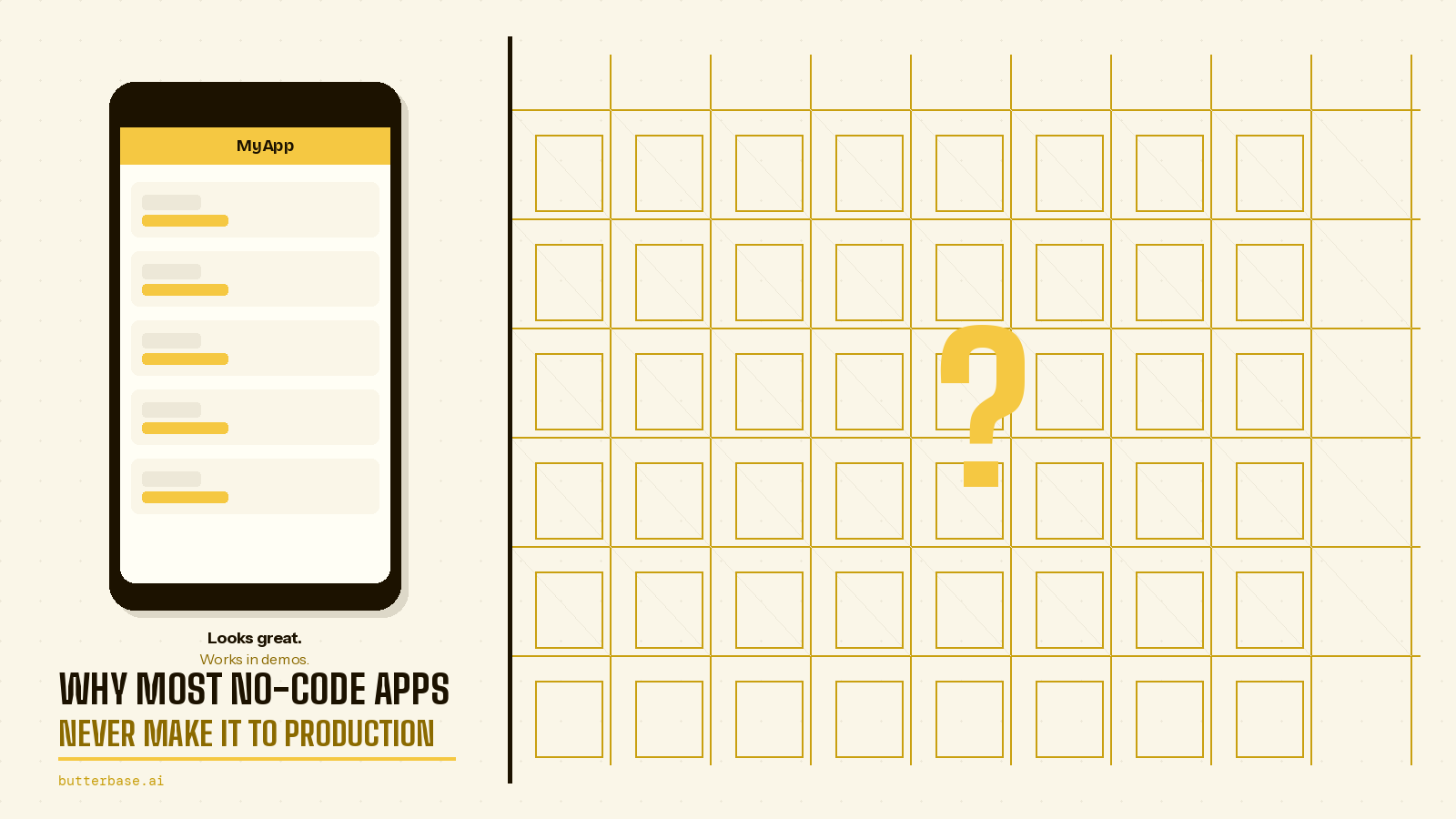
Thousands of no-code and vibe-coded apps get built every week. The tools have never been better - Claude Code, Cursor, Lovable, Bolt.new, Bubble, WeWeb. A complete beginner can have a working prototype in hours. The interfaces are polished. The forms submit. The buttons animate. It feels real.
But most of these apps never get used by anyone other than the person who built them. They never make it to production. They never handle real users, real data, or real payments. They sit in demo mode forever - impressive to look at, impossible to use.
This is not because the ideas are bad. It is not because the builders are not talented. It is because a specific, predictable set of problems appears at exactly the same point in nearly every project, and most builders do not see them coming until they are already stuck.
This article names those problems, explains why they happen, and tells you exactly what to do about them.
The moment when everything seems to be working
Every no-code project has this phase. You pick a tool, start building, and within a few hours you have something that genuinely looks like a real app. The interface is there. The forms work. The buttons respond. The navigation flows between pages. You show it to a friend, a co-founder, a potential investor, and they say "this looks great."
This is the prototype phase. It feels like a finished product because it looks like one. The screens are polished. The user experience seems complete. If you squint, it could be a real product.
Then you try to make it real. You try to give it to actual users who need to create accounts and log in. You try to have their data persist between sessions. You try to process a payment. You try to send a confirmation email. You try to handle two people booking the same appointment at the same time.
And this is where most no-code apps stop. Not with a dramatic failure, but with a quiet realisation: the thing that looks like a product is not actually a product. It is a demo. Making it real requires solving problems that the tool did not mention and that most guides do not cover.
Here are the five problems that kill the most projects.
1. There is no backend
This is the most common reason by a significant margin, and it deserves detailed explanation because understanding this single problem will save more projects than any other piece of advice.
You build a beautiful booking form. Someone fills it out - their name, their email, the time slot they want, a note about what they need. They click submit. The button animates. Maybe a success message appears.
Where does that booking go?
If you have not connected a backend - a database to store it, an authentication system to know who submitted it, an API to carry the data from the form to the database - the answer is nowhere. The data existed for a moment in the user's browser, and then it disappeared. There is no record of it. There is no way to retrieve it. It is gone.
Think of it like a restaurant with a beautiful dining room and no kitchen. You can sit down. You can read the menu. You can even place an order. But no food is coming, because there is nothing behind the scenes to make it happen.
This problem is so common because modern frontend tools are extraordinarily good at creating things that look complete. A form with validation, animations, and a success message feels like it works. The gap between "looks like it works" and "actually works" is invisible to someone who has never built a backend.
How to fix it: Connect your backend before you build your first screen, not after. When the backend is connected from the start, every form submission, every user action, every piece of data goes somewhere real from day one. You test with real data persistence from the beginning, so there is never a moment where your app pretends to work.
Platforms like Butterbase are designed to make this first step painless - connect via MCP and your AI tool provisions the backend as part of building the frontend. But regardless of which backend you choose, the principle is the same: backend first, frontend second.
2. Free tier limits appear at the worst possible moment
You build on the free tier. You test on the free tier. Everything works perfectly. You launch, share the link, and your first users arrive.
Then something breaks.
The database hits its row limit. The automation platform runs out of monthly executions. The hosting provider throttles your app during a traffic spike. The file storage fills up after users upload a few hundred images. The serverless functions hit their invocation limit.
This happens at the worst possible moment - when real users are trying to use your app for the first time. Their first impression is a broken experience. Many of them will not come back for a second try.
The problem is not that free tiers exist - they are genuinely valuable for development and testing. The problem is that most builders never check what the limits actually are before they launch. They assume "free" means "unlimited" or that the limits are high enough that they will not matter. Often, they are not.
Common free tier limits that catch people off guard:
- Database rows: Some platforms limit free databases to 500 or 10,000 rows. A booking system with moderate usage can hit this in weeks.
- API requests: Free tiers often limit the number of API calls per month. Each page load might generate 5-10 API calls, so 1,000 monthly users could mean 50,000-100,000 API calls.
- File storage: Image uploads consume storage quickly. A hundred users each uploading a profile photo and a few project images can fill a 1GB free tier.
- Serverless function executions: Email sending, webhook processing, and background tasks all count toward execution limits.
- Bandwidth: If your app serves images or video, bandwidth limits can be reached surprisingly fast.
How to fix it: Before you launch, find out the exact limit on every service in your stack. Write them down. Calculate how many users or how much usage would hit each limit. Then make a plan: either upgrade before launch or make sure you understand when you will need to.
3. The tool cannot do what you need it to do
You build a booking system. It works great with one user at a time during testing. Then two people try to book the same slot at the exact same second. Both get a confirmation. Both show up. The slot was double-booked.
Or: you build a marketplace. Sellers list items. Buyers purchase them. But you need escrow payments - hold the buyer's money until the seller delivers. Your no-code tool does not have a way to handle that.
Or: you build a collaboration tool. Multiple people edit the same document. You need real-time conflict resolution - what happens when two people edit the same paragraph simultaneously? The tool has no concept of this.
These are not exotic requirements. They are the normal edge cases that appear in every real product once real users are using it concurrently, with real money, under real conditions. They do not appear during solo testing because you are only simulating one user at a time.
The core issue is that many no-code and low-code tools are designed for the happy path - the scenario where everything goes right. They handle the common case well: one user fills out a form, the data is saved, a confirmation appears. But real products need to handle the uncommon cases too: concurrent access, race conditions, partial failures, edge cases, and error recovery.
How to fix it: Before committing to a tool, think through the critical edge cases for your specific product. If you are building a booking system, ask: "What happens when two people book the same slot simultaneously?" If you are building a marketplace, ask: "Can this tool handle escrow payments and refund logic?" If you are building a collaboration tool, ask: "What happens when two people edit the same thing at the same time?"
Choose tools with a higher ceiling - tools that support custom backend logic (edge functions, serverless functions, custom API endpoints) for the cases that the standard features cannot handle. You may not need custom logic on day one, but you will almost certainly need it eventually.
4. The app slows down with real data
During development, you test with a handful of records. One user. Five bookings. Three products. Ten messages. Everything loads instantly. The app feels fast and responsive.
Then you launch. Real data accumulates. A thousand bookings. Five hundred users. Ten thousand messages. Screens that used to load in milliseconds now take three, five, eight seconds. Some pages time out entirely. The app that felt snappy and professional during development feels sluggish and broken in production.
This happens because performance is not about how fast a single operation is - it is about how that operation scales with data volume. A database query that returns ten results in 5 milliseconds might take 2,000 milliseconds when it has to scan through 100,000 rows to find those same ten results. A page that renders three items smoothly might stutter and freeze when rendering three hundred.
The problem is especially insidious because it does not appear during testing. With test data, everything is fast. The performance issues only emerge under real conditions, often in front of real users - exactly the moment when you cannot afford a degraded experience.
Common scenarios where this hits:
- List views without pagination: Loading every record into a single scrolling list works with 50 items. With 5,000, it freezes the browser.
- Unindexed database queries: Looking up records by a field that is not indexed forces the database to scan every row. This is fast with small data but catastrophically slow with large data.
- Image-heavy pages: Loading 50 full-resolution images simultaneously on a single page will make that page crawl, especially on mobile devices with slower connections.
- Nested queries: For each item in a list, fetching additional related data from the database. With ten items, this is ten extra queries. With a thousand items, it is a thousand extra queries.
How to fix it: Test with realistic data before you launch. If your app is a booking system, put a year's worth of bookings in the database - thousands of records - and walk through every screen. If it is a marketplace, add hundreds of products with images. If it is a messaging app, generate thousands of messages across dozens of conversations.
This takes an hour. Discovering a performance problem in front of real users costs much more - in user trust, in frantic debugging, and in the very real possibility that users leave and do not come back.
5. Authentication was never set up correctly
You start building your app. You want to focus on the core functionality - the booking flow, the marketplace listings, the dashboard widgets. User accounts feel like a distraction. You think: "I will add login later. Right now I just want to get the main thing working."
So you build the entire app without authentication. Every record in your database is just floating - it belongs to no one. There is no concept of "this booking was made by this user" or "these listings belong to this seller" or "this dashboard shows this user's data."
Then you try to add authentication. And you realise the entire data model needs to be restructured. Every table needs a user_id column. Every query needs to filter by the current user. Every API endpoint needs to check permissions. The booking form that worked perfectly now needs to know who is submitting it. The dashboard that showed all data now needs to show only one user's data.
This is not a small change. It touches every part of the application - every database table, every query, every screen, every form. Retrofitting authentication into an app that was built without it is one of the most painful refactors in software development, whether you are writing code by hand or using AI tools.
And the problems go beyond data structure. Without proper authentication:
- Any user can see everyone's data. If your app shows a list of bookings, every user sees every booking - including other people's.
- Any user can modify anyone's records. Without checking who is making the request, there is nothing stopping User A from editing User B's profile or cancelling User B's booking.
- There are no permissions. Admins, regular users, and guests all see the same thing and can do the same things.
- There is no security. Your app is essentially a public database that anyone can read from and write to.
How to fix it: Decide who is logged in before you build the first screen. If your app has users - and almost every useful app does - treat user identity as the foundation, not an afterthought. Set up authentication in your first session. Structure your database around user ownership from the beginning. When every record has a user_id from day one, adding permissions and filtering later is a small change, not a rewrite.
What these five problems have in common
They all happen for the same fundamental reason: the app was designed to look like a product before it was designed to work like one.
This is not the builder's fault. No-code and AI coding tools are explicitly designed to produce things that look right quickly. That is their greatest strength. A beautiful, functional-looking prototype in hours instead of months is a genuinely transformative capability.
But the tools do not tell you what is missing. They do not warn you that the form is not connected to a database. They do not alert you when the data model has no concept of user ownership. They do not flag that the free tier will run out after a hundred users. They show you a working-looking interface and let you assume the rest is handled.
The builders who ship consistently - who get their apps into production and keep them there - make the invisible decisions first. They connect the backend before the first screen. They design the data model around real users from the beginning. They check the limits of their tools before they hit them. They test with realistic data before going live.
It is not that they are more talented. It is that they think about infrastructure before interface.
What this looks like in practice
Consider three real scenarios (composites from common patterns we see):
The therapist booking app. A therapist builds a beautiful booking system where clients can see available slots and book sessions. It looks perfect. But there is no backend - bookings are not stored anywhere. She adds a backend and discovers the data model has no user authentication, so any visitor can see all bookings. She adds authentication and discovers the booking form does not prevent double-bookings. Three major rebuilds for what seemed like a simple app.
The community marketplace. A founder builds a marketplace for local artisans. Sellers can list products, buyers can browse. It looks ready to launch. But the payment integration requires escrow logic that the no-code tool cannot handle. The image gallery, which worked fine with five test products, crashes the page when a seller uploads forty product photos. The free tier database hits its limit after 200 listings.
The internal tool. A product manager builds an internal dashboard for their team. It works great when three people use it during testing. But with thirty team members loading data simultaneously, the queries slow to a crawl because the database has no indexes. The export feature that worked with a hundred records times out with ten thousand.
In each case, the app was not broken - it was incomplete. The visible layer was finished. The invisible layer was never started.
What to do differently
If you are about to start a new project - or if you are looking at a stalled one and recognising some of these patterns - here is the approach that works:
1. Connect your backend first. Before any frontend work, before any design decisions, connect a backend platform and make sure data is actually being stored somewhere. If you use an AI coding tool, choose a backend with MCP support (like Butterbase) so the backend provisions automatically as you describe your app.
2. Set up authentication immediately. In your first session, add user accounts. Every record in your database should be associated with a user from the very beginning. This single decision prevents the most painful refactor in software development.
3. Know your limits before you need them. For every tool and service in your stack, find the exact ceiling on the free or current tier. How many database rows? How many API calls per month? How much file storage? How many monthly active users? Write these numbers down and know when you will need to upgrade.
4. Test with realistic data. Before launching, populate your database with realistic volumes. A year's worth of bookings. Hundreds of users with profile photos. Thousands of messages. Walk through every screen and every flow. This takes an hour and can save your launch.
5. Think about edge cases early. What happens when two people do the same thing simultaneously? What happens when a payment fails halfway through? What happens when a user uploads a 50MB file? You do not need to solve all of these on day one, but you need to make sure your tools can handle them when the time comes.
6. Deploy early and often. Do not wait until everything is "perfect" to deploy. Put your app on the internet as soon as the core flow works. Share it with a small group of trusted users. Their feedback will reveal problems you never anticipated, and finding them with five users is infinitely better than finding them with five hundred.
The shift that changes everything
The difference between apps that ship and apps that stall is not the idea, the tool, or the builder's talent. It is a mental shift: from building the visible layer first to building the invisible layer first.
The frontend - the buttons, the forms, the layouts, the animations - is the part that feels productive. You can see it. You can show it to people. You can feel the progress. The backend - the database, the authentication, the data model, the infrastructure - is the part that feels like overhead. It is invisible. It is unglamorous. It is hard to demo.
But the invisible layer is what makes everything work. It is the difference between a demo and a product. Between something you can show and something people can use.
If you are building something you want real people to use - if you are building a product, not a demo - start with the invisible layer. The visible layer is easy to add on top of a solid foundation. A solid foundation is nearly impossible to add underneath a finished interface.
The tools have never been better. The only question is whether you build the right things in the right order.