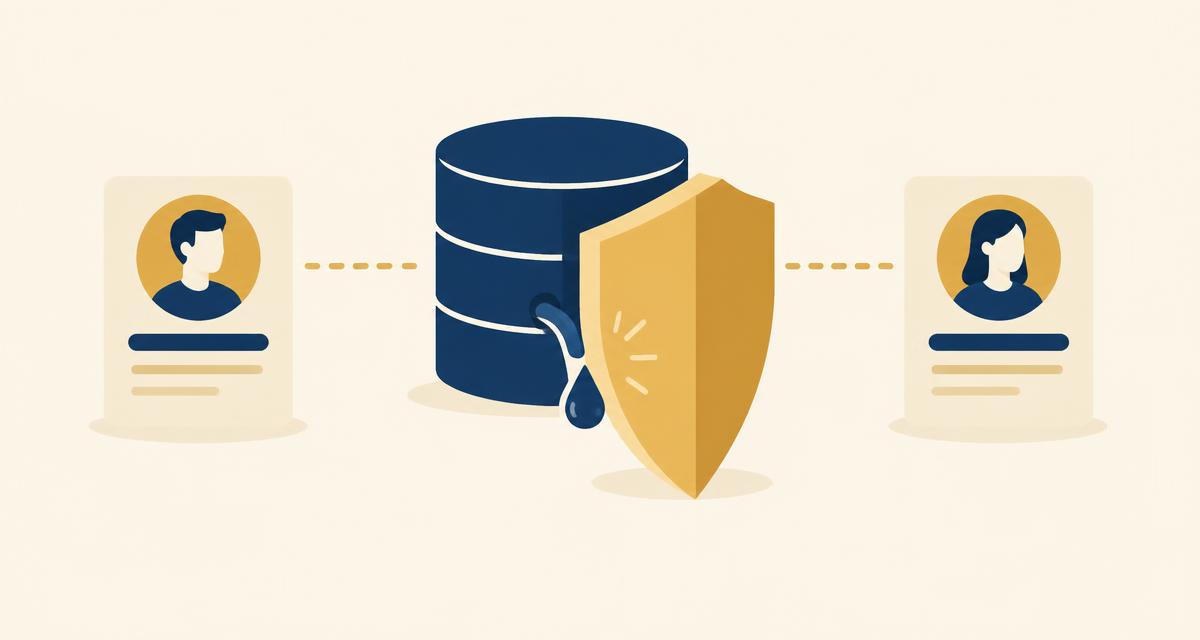
The short answer: most AI built apps filter data in the application code, so anyone can edit a request in their browser and read another user's data. The fix is to put the access rule in the database with Postgres row level security, then prove it with a two account test.
An app built with an AI tool usually works on the first try. You sign in, you add something, it appears. Everything looks correct.
Then a second person signs up, and the question nobody asked becomes urgent: can they see your data?
With apps built this way the answer is often yes, and it stays hidden because the interface looks right. Each person only ever sees their own things on screen. The leak is one layer down.
Why this happens with AI built apps specifically
When you ask an agent for "a page showing my projects", it does the obvious thing. It fetches the projects, filters them by the signed in user, and renders the list.
That filter lives in the application code. Which means it is a request the app chooses to make, not a rule the database enforces.
Anyone can open the network tab in their browser, find that request, change the user ID in it, and send it again. The database has no reason to refuse. It was never told who is allowed to see what.
This is not a flaw in the agent. It did what was asked. Nobody asked for the rule.
How to tell if your app has this problem
Five minutes, no tools required.
- Create two accounts in your own app. Call them A and B.
- Sign in as A and add something, a project, a note, a file, anything.
- Sign in as B and add something different.
- While signed in as B, open your browser's developer tools and go to the Network tab.
- Reload the page and find the request that fetches B's items.
- Look at it. If it contains an ID, a user reference, or a filter you could change, copy the request, change that value to A's, and send it again.
If you get A's data back, the app is leaking. If the database refuses, you are fine.
Most people who run this test on an app they built in an afternoon get A's data back.
The fix: put the rule in the database
The rule about who can see which rows belongs in Postgres, not in your app. That mechanism is called row level security, and it works differently from a filter in code.
A filter in code is a request the app chooses to make. Row level security is a condition the database applies to every query, from every source, forever. Change the ID in the request and Postgres returns nothing, because the row does not belong to whoever is asking.
The practical difference is who has to remember. With the rule in your code, every future query has to remember to filter, including the ones an agent writes next month while you are not watching. With the rule in the database, nothing has to remember anything.
This is why it is worth asking for explicitly when the table is created, rather than adding it later:
Create a projects table with a title, status, description and owner. Users should only be able to see and edit their own projects.
On Butterbase that provisions the table with per user row level security applied, because the database and the auth are the same system and the rule has a real user identity to key on. If you are wiring up your own Postgres, you write the policies yourself, and you should read them carefully before trusting them.
The five places data actually leaks
Row level security on your main tables fixes the obvious case. These are the ones people miss.
- The table added later. The first three tables got the rule. The one added six weeks in, during a quick change, did not. Check every table, not the ones you remember.
- Files on guessable URLs. The interface only shows a user their own uploads, so it looks private. But if the file itself sits on a public URL, anyone with the link can fetch it, and links leak. Test it: copy a file URL and open it in a private browser window where you are not signed in. It should fail.
- Keys in the browser. Anything your frontend code can read, a user can read. If a provider key, a database credential or an admin token is reachable from the browser, it is public. Those belong in a server side function.
- Vector search with no owner filter. This one is new and the most dangerous, because it fails quietly. If your app lets people search their own documents using AI, the retrieval step pulls the closest matching chunks. If that search is not scoped to the person asking, it will happily pull another user's document in as context, and the answer that comes back will read perfectly reasonable. Nothing errors. Nobody notices. Test it the same way: sign in as A and search for something only B has. You should get nothing.
- Endpoints with no check at all. The admin route, the export function, the webhook. Written during testing, never secured, still live.
Before you let real people in
- Run the two account test across every feature, not just the main one. Tables, files, search, exports.
- Read the access rules the agent wrote, and ask it to explain them in plain language if the SQL is unfamiliar. Defaults are reasonable and they are not a review.
- Check one file URL while logged out.
- Confirm no keys are reachable from the browser.
- Turn email confirmation back on if you disabled it while building.
None of this takes long. All of it takes much less time than telling a user their data was visible to someone else.
The thing worth remembering
An app that looks correct to each user is not the same as an app that keeps their data apart. The interface is what you see. The rule is what protects you. Those live in different places, and only one of them is enforced.
Related reading: Is Your Vibe-Coded App Secure? and Add User Login to a Vibe-Coded App.
Frequently asked questions
Put the access rule in the database rather than in your application code, using row level security in Postgres. Then verify it by creating two accounts and trying to read one account's data while signed in as the other.
It can be, but not by default. The most common problem is that access rules live in the frontend, where a user can bypass them by editing a request in their browser. Test with two accounts before launch.
A rule stored in Postgres that decides which rows each user can see or change. The database applies it to every query automatically, so it cannot be bypassed by changing a request.
Create two accounts, add data under each, then use your browser's network tab to replay one account's request with the other account's ID. If data comes back that should not, the app is leaking.
Because that is the obvious way to satisfy the instruction "show the signed in user's items". Nothing in the request asked for a database level rule, so the agent did not add one. Ask for per user access explicitly when the table is created.