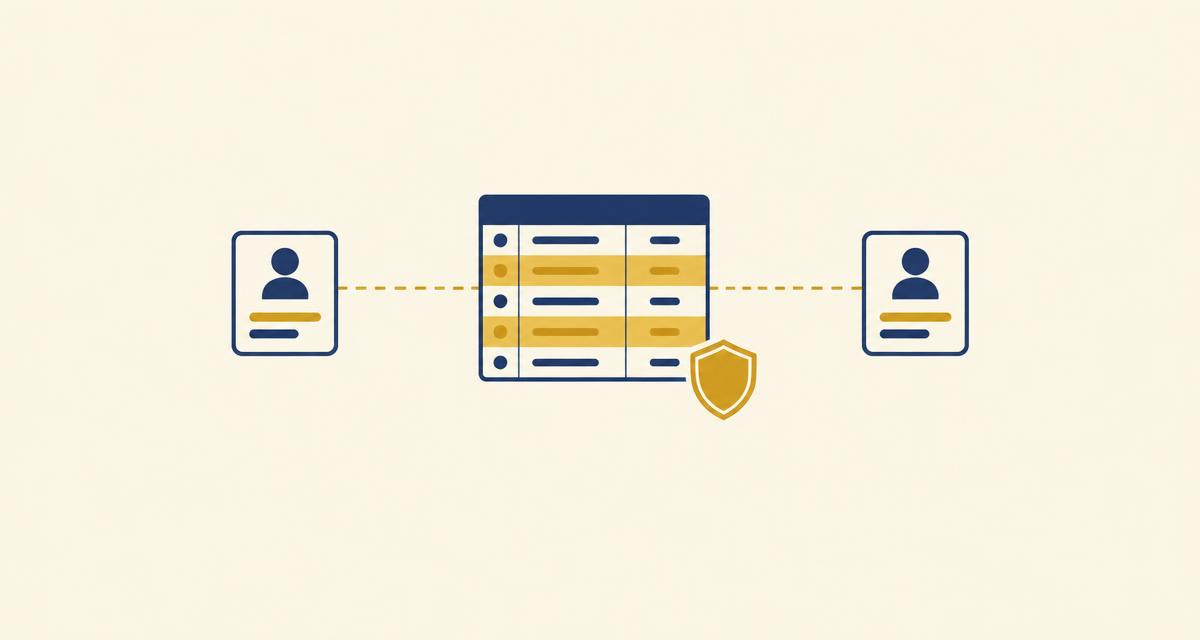
The short answer: row level security is a Postgres feature that decides which rows a query is allowed to see, inside the database, before any result is returned.
That is the whole idea. Normal permissions answer the question "may this user read this table". Row level security answers "which rows of it", and it answers that every single time, for every query, no matter which part of the application asked.
Why it matters more than it used to
Almost every application built today is multi tenant in some form. Users have their own records. Customers have their own data. The rule "nobody sees anyone else's rows" is somewhere in the requirements.
The usual way that rule gets implemented is a WHERE clause. Every query that touches the table adds WHERE user_id = ..., and the rule holds as long as every query remembers to do it.
It holds until one query forgets. A new endpoint, an admin screen, a background job, a CSV export, a query an AI agent wrote at runtime. One missing WHERE clause and the whole table is readable. The rule was never enforced, it was merely repeated, and repetition fails at the first omission.
Row level security moves the rule from every query into the table itself, once. If you have built an app with an AI tool, How to Stop an AI Built App From Leaking User Data shows what that missing rule looks like from the outside.
A worked example
Start with a table of notes, each belonging to a user.
CREATE TABLE notes (
  id      bigserial PRIMARY KEY,
  user_id uuid        NOT NULL,
  title   text        NOT NULL,
  body    text,
  created timestamptz NOT NULL DEFAULT now()
);
Right now any connection that can read the table can read all of it.
Step 1: turn it on
ALTER TABLE notes ENABLE ROW LEVEL SECURITY;Something important just happened. With row level security enabled and no policies written, no rows are visible to anyone. Postgres denies by default. A query that returned ten thousand rows a second ago now returns zero.
That default is the right one, and it surprises people often enough to be worth stating plainly: enabling the feature breaks reads until a policy allows them.
Step 2: write the first policy
CREATE POLICY notes_select_own ON notes
  FOR SELECT
  USING (user_id = current_setting('app.user_id', true)::uuid);
Reading that back: for SELECT statements on notes, a row is visible when its user_id matches whatever the current session says the user is.
The session value gets set when the connection is established, usually from a verified token:
SET LOCAL app.user_id = '6f1c...';SET LOCAL scopes the value to the current transaction, which matters when connections are pooled and reused. A plain SET persists on the connection and can leak one request's identity into the next request that borrows it. That is a genuinely nasty bug to find, so prefer SET LOCAL.
Now the same query behaves differently for different sessions, and nothing in the application changed.
The part almost everyone gets wrong: USING vs WITH CHECK
Policies have two separate expressions and they do different jobs.
USING is checked against rows that already exist. It controls what SELECT can see, and which rows UPDATE and DELETE are allowed to touch.
WITH CHECK is checked against rows as they will be after the statement. It controls what INSERT may create and what UPDATE may produce.
Write only a USING clause and inserts are unrestricted. Users can create rows belonging to other people. They will not be able to read those rows back, which is exactly why the bug survives testing: everything looks correct from the outside.
The complete set for one table:
CREATE POLICY notes_insert_own ON notes
  FOR INSERT
  WITH CHECK (user_id = current_setting('app.user_id', true)::uuid);

CREATE POLICY notes_update_own ON notes
  FOR UPDATE
  USING      (user_id = current_setting('app.user_id', true)::uuid)
  WITH CHECK (user_id = current_setting('app.user_id', true)::uuid);

CREATE POLICY notes_delete_own ON notes
  FOR DELETE
  USING (user_id = current_setting('app.user_id', true)::uuid);
The UPDATE policy needs both, and for a reason worth understanding. USING stops a user editing somebody else's row. WITH CHECK stops a user editing their own row and reassigning it to somebody else. Without the second clause, UPDATE notes SET user_id = '<someone else>' succeeds, which hands a row away.
Five mistakes that cost real data
1. The table owner ignores every policy
By default, the role that owns a table bypasses row level security entirely. So do superusers, and any role with the BYPASSRLS attribute.
This means a policy can be perfectly correct and do nothing at all, because the application happens to connect as the owner. Every test passes. Every row is visible.
ALTER TABLE notes FORCE ROW LEVEL SECURITY;That applies policies to the owner too. Worth doing, and worth remembering that migrations then also run under the policies, so schema tooling may need a role that is explicitly allowed to bypass.
2. Policies combine with OR, not AND
Multiple policies for the same command are permissive by default, and permissive policies are combined with OR. Adding a policy widens access. It never narrows it.
So this pair allows a user to see their own notes or any note marked public, which is probably intended:
CREATE POLICY notes_public ON notes
  FOR SELECT USING (is_public);
To actually narrow access, a policy has to be declared restrictive, and restrictive policies combine with AND:
CREATE POLICY notes_not_archived ON notes
  AS RESTRICTIVE
  FOR SELECT
  USING (archived_at IS NULL);
Mixing these up is how a policy intended as a tightening turns into a loosening.
3. The service key that sees everything
Most stacks keep a privileged credential for background jobs and admin work, and that credential bypasses policies. Which is fine, until it is used somewhere user facing: a server rendered page, an API route that forwards a user supplied filter, a reporting endpoint.
The rule that holds up: the privileged credential is only ever used by code where no user input reaches the query. Anywhere a user can influence what is asked, the user's own session context is used instead.
4. No policy for one of the commands
FOR ALL covers everything, which is convenient and easy to over grant. Writing a policy per command is clearer, and the cost of that clarity is that one command gets forgotten. Enumerate them.
A quick audit of what exists:
SELECT tablename, policyname, cmd, permissive
FROM   pg_policies
WHERE  schemaname = 'public'
ORDER  BY tablename, cmd;
And a check for tables that have no protection at all:
SELECT c.relname AS table_name, c.relrowsecurity AS rls_enabled
FROM   pg_class c
JOIN   pg_namespace n ON n.oid = c.relnamespace
WHERE  n.nspname = 'public' AND c.relkind = 'r'
ORDER  BY c.relrowsecurity, c.relname;
Anything with rls_enabled false and user data in it is an open table. Run that query after every migration, not once.
5. Policies that quietly destroy performance
A policy expression runs for every candidate row. Two consequences follow.
Index the column the policy filters on, because every query now effectively filters on it:
CREATE INDEX notes_user_id_idx ON notes (user_id);And avoid re-evaluating a function per row. Wrapping the lookup in a subquery lets the planner evaluate it once:
-- re-evaluated per row
USING (user_id = current_setting('app.user_id', true)::uuid)

-- evaluated once
USING (user_id = (SELECT current_setting('app.user_id', true)::uuid))
On a table of a few thousand rows the difference is invisible. On a few million it is the difference between a page that loads and a page that times out.
How to know it actually works
Policies are the kind of thing that look correct and are not. One test settles it, and it does not involve reading any code.
Create two accounts. Sign in as the first, create a record, and note its id. Sign in as the second, in a separate browser profile so the sessions do not share cookies. Then request the first account's record directly by id, through the API rather than through the interface.
The correct outcome is nothing: an empty result or a 404, from the database rather than from a check in application code.
Then repeat it for writes. As the second account, attempt to update the first account's record, and attempt to insert a record with the first account's user id. Both should be refused.
Four requests, two minutes, and it is the only evidence that means anything. Reading the policies back tells you what was intended, not what is enforced.
The same mechanism is what keeps AI agents inside their lane; How to Give an AI Agent Limited Access to Your Database applies it to agent roles.
Frequently asked questions
A feature that restricts which rows a query may see or modify, enforced inside the database. Policies are attached to a table and evaluated on every statement, so the restriction applies no matter which part of an application issued the query.
A WHERE clause is written per query and holds only where it was remembered. A policy is written once on the table and applies to every query automatically, including queries written later, by other people, or generated at runtime.
Because Postgres denies by default. Enabling the feature with no policies in place blocks every row. Write a SELECT policy and the rows come back.
USING is evaluated against rows that already exist and governs SELECT, and which rows UPDATE and DELETE may touch. WITH CHECK is evaluated against rows as they will be and governs INSERT and the result of UPDATE. A policy with only USING leaves inserts unrestricted.
Not by default. Table owners, superusers and roles with BYPASSRLS ignore policies entirely. ALTER TABLE ... FORCE ROW LEVEL SECURITY applies policies to the owner as well, which is usually what is wanted.
It can, because the policy expression is evaluated per candidate row. Indexing the column the policy filters on, and wrapping any function call in a subquery so it evaluates once rather than per row, resolves most of it.
Create two accounts, make a record with the first, then try to read, update and overwrite that record as the second, going through the API rather than the interface. Every attempt should come back empty or refused.
Butterbase applies per user row level security as part of the backend rather than something to wire up afterwards, so each signed in user reaches only their own rows, and the same rule holds for requests that come from an AI agent. Details are in the documentation.