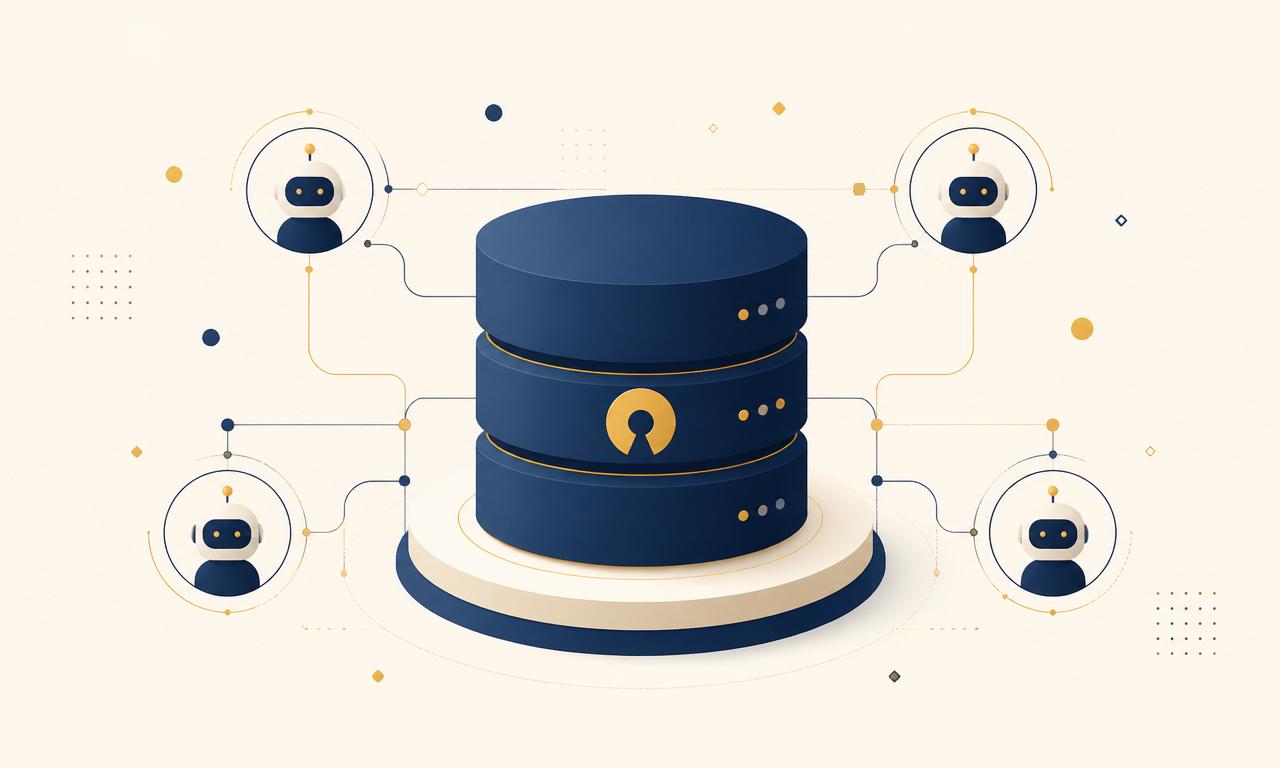
Butterbase is an open-source, self-hostable backend-as-a-service designed for developers building with AI coding tools. It gives your AI assistant - Claude Code, Cursor, or any MCP-compatible agent - a real production backend to build on and operate: a Postgres database, authentication, file storage, serverless functions, realtime, RAG, and an AI gateway, all exposed as tools through a built-in Model Context Protocol (MCP) server. It is licensed under Apache-2.0 and runs on your own infrastructure.
Repository: github.com/butterbase-ai/butterbase
What Butterbase is, in one line
An Apache-2.0 backend platform with Postgres, auth, storage, functions, realtime, and RAG in one open repository, where every capability is also an MCP tool an AI agent can call directly - so the AI that writes your app can also provision, query, and deploy its backend.
The problem it solves
Vibe coding gets you a prototype, not a production backend. AI coding tools are excellent at generating the UI and the glue code, but the durable part of a system - the database, authentication, background jobs, and hosting - needs real infrastructure. When the AI defaults to JSON files or in-memory arrays because they are simplest, the demo works and then falls over the moment real users and real data arrive.
Vibe-coded apps tend to fail in the same predictable places: setups that only run on the creator's laptop or an ephemeral platform environment, no real backend strategy, and vendor lock-in when an all-in-one builder hosts your code and data in a proprietary way you cannot move. Many popular AI app builders lean on a separate backend to fill this gap.
Butterbase is that backend - but built so the AI does the wiring itself, and built open so you are never locked in.
Why the MCP server matters for building with AI
Every Butterbase capability is exposed as MCP tools at /mcp over HTTP, or via stdio with npx @butterbase/mcp. The Model Context Protocol is the standard way AI clients like Claude, Cursor, and custom agents call tools, so this means your AI assistant does not have to guess at API shapes or write brittle glue code. It can create an app, define a schema, set up authentication, write a function, and deploy - through real tools with defined inputs and outputs.
In practice, a Claude Code session building a feature calls tools like create_app, apply_schema, create_auth_provider, deploy_function, query_data, tail_logs, and rag_ingest. Each returns typed results the model can reason about on the next step - a failed migration comes back as a structured error the AI can fix, not a stack trace it has to parse from a terminal. That is what makes the loop hold: the assistant sees the same surface area you do, in a form built for tools rather than humans.
A Claude Code plugin ships more than 30 guided skills covering the full loop: idea, plan, schema, auth, functions, deploy, submit. This is what turns an AI-built app from a one-shot demo into something that holds together as you keep changing it, because the AI works against a consistent, tool-native surface instead of improvising infrastructure each time.
What you get
Data. A Postgres data plane with per-app databases, declarative schema, automatic REST endpoints, and migrations. First-class Row-Level Security with user-isolation helpers. A regional key-value store with TTL and audit trails. S3/R2-backed file storage with presigned URLs and ACLs.
Compute. TypeScript serverless functions on the Deno runtime. Durable Objects - stateful per-key actors for chat rooms, multiplayer, rate limiters, and long-running agents. Realtime WebSocket subscriptions to table changes. Edge SSR for Next.js, Remix, and Astro, plus static and SPA hosting with custom domains.
AI. A single AI gateway endpoint for chat, embeddings, and model listing with pluggable router adapters. Managed RAG with document ingestion, semantic search, and synthesized answers.
Identity and operations. Email and OAuth authentication (Google, GitHub, Apple, X, and more), JWT tuning, post-login hooks, and service keys. Structured audit logs, outbound webhooks, and cross-region app moves.
License and self-hosting
Butterbase is Apache-2.0. The public repository is the real runtime data plane - everything required to self-host a fully featured instance, not a limited demo. When you self-host, the AI gateway runs without upstream router adapters, billing uses a no-op provider, and quotas are unlimited; you can wire in your own implementations through defined interfaces (BillingProvider, QuotaEnforcer, RouterAdapter). The same server runs on a laptop, in a VPC, or as a managed service, with the same APIs - so there is one audit path for every layer instead of a stitched-together stack.
Architecturally, a Butterbase instance runs a control plane (apps, schemas, auth, deployments, MCP endpoint) alongside a data plane (per-app Postgres databases, object storage, a Deno runtime for functions and Durable Objects, and a realtime/WebSocket layer). Auth is JWT-based with post-login hooks and service keys; storage speaks S3/R2 with presigned URLs; functions deploy from your repo and get structured logs, outbound webhooks, and cross-region moves out of the box. RLS-style user isolation helpers live at the data-plane layer so authorization travels with the query, not the client.
The managed offering at butterbase.ai adds multi-region orchestration, billing, upstream AI router adapters, quota enforcement, and operations dashboards on top of the same core. The boundary between open-source and managed is documented, so you always know what you own and what your exit path is.
How Butterbase compares
Many AI app builders (Lovable, Bolt, and others) generate a frontend and connect to a separate backend for data and auth. Butterbase differs in that the backend itself is tool-native, so the AI provisions and operates it directly rather than only writing client code against it.
| Backend | Database | License | Self-host | Built-in MCP server |
|---|---|---|---|---|
| Butterbase | PostgreSQL | Apache-2.0 | Yes | Yes |
| Supabase | PostgreSQL | Apache-2.0 | Yes | No (community servers exist) |
| Appwrite | MariaDB (document API) | BSD-3-Clause | Yes | Yes |
| PocketBase | SQLite | MIT | Yes | No |
| Firebase | Firestore (NoSQL) | Proprietary | No | No |
License and self-host details reflect each project's own repository and docs as of mid-2026; verify against the source before you commit.
Getting started
Self-hosting requires Docker, Node 22+, and a few commands:
git clone --recurse-submodules https://github.com/butterbase-ai/butterbase.git
cd butterbase
npm ci
cp .env.example .env
docker compose -f docker-compose.local.yml up -d
After running migrations and seeding a dev user, you have a working backend with a control API, an MCP endpoint, a Deno runtime, and local Postgres. The full walkthrough is in SETUP.md.
Who should use it
Choose Butterbase if you build with AI coding tools and want your AI assistant to work against a real, ownable backend - one it can provision and operate through tools, that survives real users, and that you can self-host with no lock-in. If you are hand-writing a conventional backend and never involve AI agents, a more established option may serve you equally well.
- Repository: github.com/butterbase-ai/butterbase
- Website: butterbase.ai
- Discord: join to reach the team and other builders
Related reading: The 6 Best Open-Source Backends for Building with AI in 2026, What Is MCP?, How to Add a Backend to Claude Code with MCP.
Frequently asked questions
Yes. The full runtime - Postgres data plane, auth, storage, Deno functions, realtime, RAG, and AI gateway - is in the public repository under Apache-2.0. Self-hosting gives you the same server that powers the managed service, not a stripped-down demo, with defined interfaces where the managed layer plugs billing, quotas, and upstream AI routing on top.
Both are Apache-2.0 and Postgres-backed. The difference is where the AI sits. Supabase is a backend an AI coding tool writes client code against. Butterbase exposes every capability as MCP tools, so the AI provisions the schema, writes the function, wires the auth, and deploys - through real tools with defined inputs and outputs - rather than improvising API calls.
That every backend capability - apps, schema, auth, functions, storage, deployments, logs, AI - is a tool an MCP client can call. It is not a wrapper around a REST API. Your AI assistant discovers what is possible, calls the tool with typed inputs, and gets typed results back, which is what lets it keep an app coherent across many iterations.
Yes. Clone the repo, run docker compose, and you have a working local instance. The same server runs on a laptop, in a VPC, or in production. Self-hosting means you own the code, the data, and the runtime - the managed service at butterbase.ai is convenience, not a lock-in.
Anything MCP-compatible: Claude Code, Cursor, Cline, Windsurf, and custom agents built on the standard. A Claude Code plugin ships more than 30 guided skills covering the full idea-to-deploy loop, and the same tools are available to any other MCP client.
Yes. The public repository is the real runtime data plane - Postgres, auth, storage, functions, realtime, RAG, and an AI gateway - with structured audit logs, outbound webhooks, and cross-region moves. You can run it in production yourself, or use the managed service and keep the same exit path.